 Node-RED Automation Tips and Tricks for Makers" />
Node-RED Automation Tips and Tricks for Makers
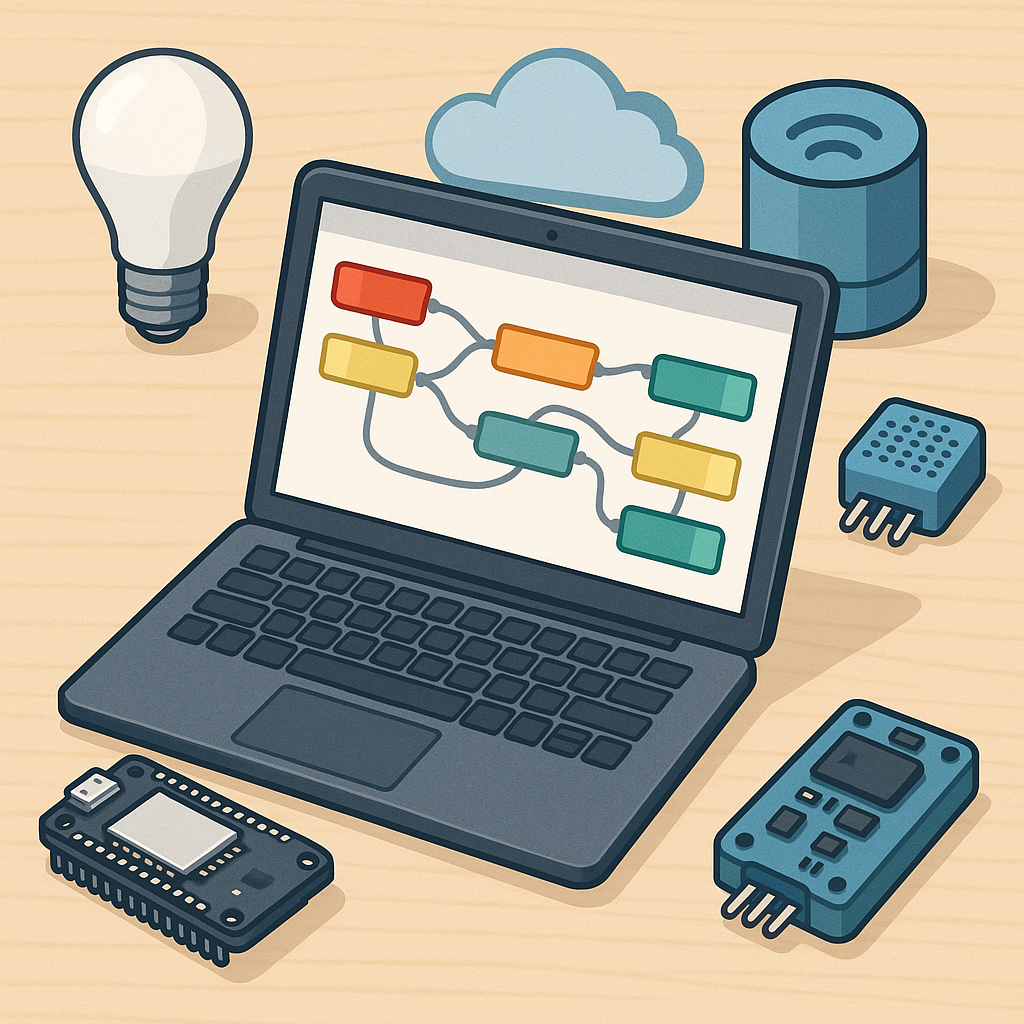
Node-RED is a powerful visual tool that lets makers connect sensors, microcontrollers and cloud services with minimal code, and it shines for rapid prototyping and home automation projects that evolve over time.
MQTT is the de facto messaging backbone for many maker projects, so choose a reliable broker such as Mosquitto or an embedded broker on the device for simple setups, and structure topics sensibly using a hierarchy like home/kitchen/temperature to keep subscriptions tidy and avoid wildcard chaos.
When using MQTT, pay attention to retained messages for stateful devices and the Last Will and Testament feature to signal unexpected disconnects, and prefer QoS 0 for sensor telemetry and QoS 1 for occasional actuations where delivery matters, while keeping payloads as compact JSON to simplify parsing in function nodes.
Dashboards add immediate value to a build, and the node-red-dashboard package is easy to configure with groups and tabs for different rooms or subsystems, but to avoid sluggish UI on phones use lightweight widgets, offload heavy charting to InfluxDB and Grafana when you need long-term history, and use ui_template sparingly to insert custom HTML or SVG for advanced interfaces.
Organise flows like software by using tabs for major subsystems, subflows for reusable logic, and link nodes to reduce spaghetti wiring, and employ environment variables or global context for credentials and device IDs so you can redeploy across devices without manual edits.
Integrations are the fun part for makers and Node-RED supports a wide ecosystem including Home Assistant, InfluxDB, serial and GPIO nodes for Raspberry Pi, and REST webhooks for cloud services, but always secure your endpoints, enable authentication on the MQTT broker, and consider TLS for remote access to prevent unauthorised control, and if you need project ideas visit WatDaFeck for practical build examples and explanations.
Practical tips for working day to day include using the debug sidebar liberally with different verbosity levels, writing small pure functions in Function nodes and moving complex logic to subflows, configuring persistent context storage to survive restarts, and using Node-RED Projects with Git integration for version control so you can revert changes safely and collaborate on flows with others.
Comments
Post a Comment