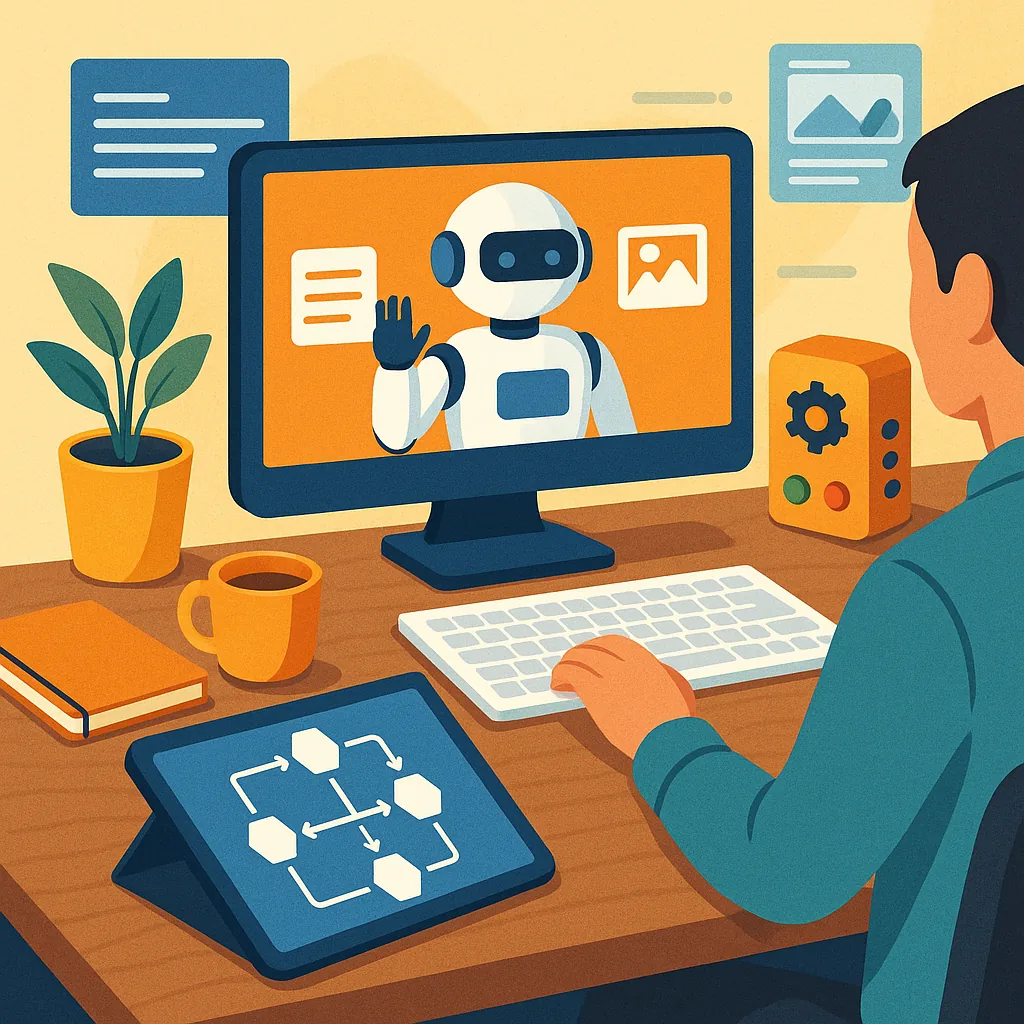
Buying Guide: AI and Automation Tools for Hobbyists
If you are a maker or hobbyist curious about adding AI and automation to your projects, this guide will help you choose sensible tools for content generation, image creation, workflow automation and safety checks, with practical buying advice for different budgets and skill levels.
For text content generation the main decision is cloud service versus local models, and whether you need state-of-the-art fluency or a cost-effective assistant for templates and code snippets. Cloud APIs such as ChatGPT and Anthropic provide polished output and straightforward billing, which is useful when you want reliability without managing infrastructure, while open-source models such as Llama 2, Mistral or local Falcon variants let you run inference on your own machine for privacy and offline use. Hobbyists should start with a free or low-cost cloud tier to validate prompts and workflows, then consider a modest GPU upgrade or a prepaid cloud instance if latency or data control becomes important.
For image creation consider whether you want a creative subscription service or local control over models and seeds, as this affects cost and hardware needs. Services like Midjourney and DALL·E produce quality results quickly and have simple licensing, whereas Stable Diffusion and its forks let you run models on a home PC using tools such as AUTOMATIC1111 or ComfyUI for fine control and plugins like ControlNet for poses and depth. If running locally, aim for at least 8GB VRAM for smaller models and 16GB or more for a comfortable workflow with high-resolution outputs and upscalers, and always budget for a fast NVMe drive to store checkpoints and training data.
Workflow automation ties AI outputs into your projects so that text and images become usable without manual copy-paste steps, and here usability and integration dictate your choice. Low-code platforms such as Zapier and Make give fast wins for connecting APIs, while open tools like n8n and Node-RED are more customisable and can run on a Raspberry Pi or an always-on home server for device-level automation. Home Assistant and MQTT are ideal if you want to trigger actions from sensors or a 3D printer, and combining a small LLM for decision logic with an image model unlocks automated documentation, thumbnails or status reports for a workshop build. For detailed flows and project examples that tie images, text and automation together see WatDaFeck.
Safety checks are essential even in hobby projects, because models can hallucinate facts, produce biased content or accidentally expose sensitive information when misconfigured. Use moderation APIs and safety filters to screen outputs before they are published, implement rate limits and authentication on any public endpoints, and consider watermarking generated images to clearly label synthetic media. For local deployments adopt sandboxing with containers, restrict network access where possible, and keep a changelog of model updates and prompt templates so you can audit unexpected behaviour and revert to known-good configurations if needed.
Create a simple buying checklist to guide acquisitions and upgrades, prioritising interoperability, community support and upgrade paths. Hardware highlights include a modern GPU with sufficient VRAM for the image models you plan to use, 32GB of system RAM for smoother multitasking, and an NVMe drive for datasets and checkpoints, while cheaper options include cloud GPU rentals or lower-powered edge devices for inference at reduced resolution. For software, prefer tools with active communities and clear licences, start with trial subscriptions for cloud services before committing to annual plans, and balance convenience against control depending on whether your priority is rapid iteration or privacy and customisation.
Follow me on: Facebook: https://www.facebook.com/watdafeck3d · Instagram: https://www.instagram.com/watdafeck3d/.
Comments
Post a Comment