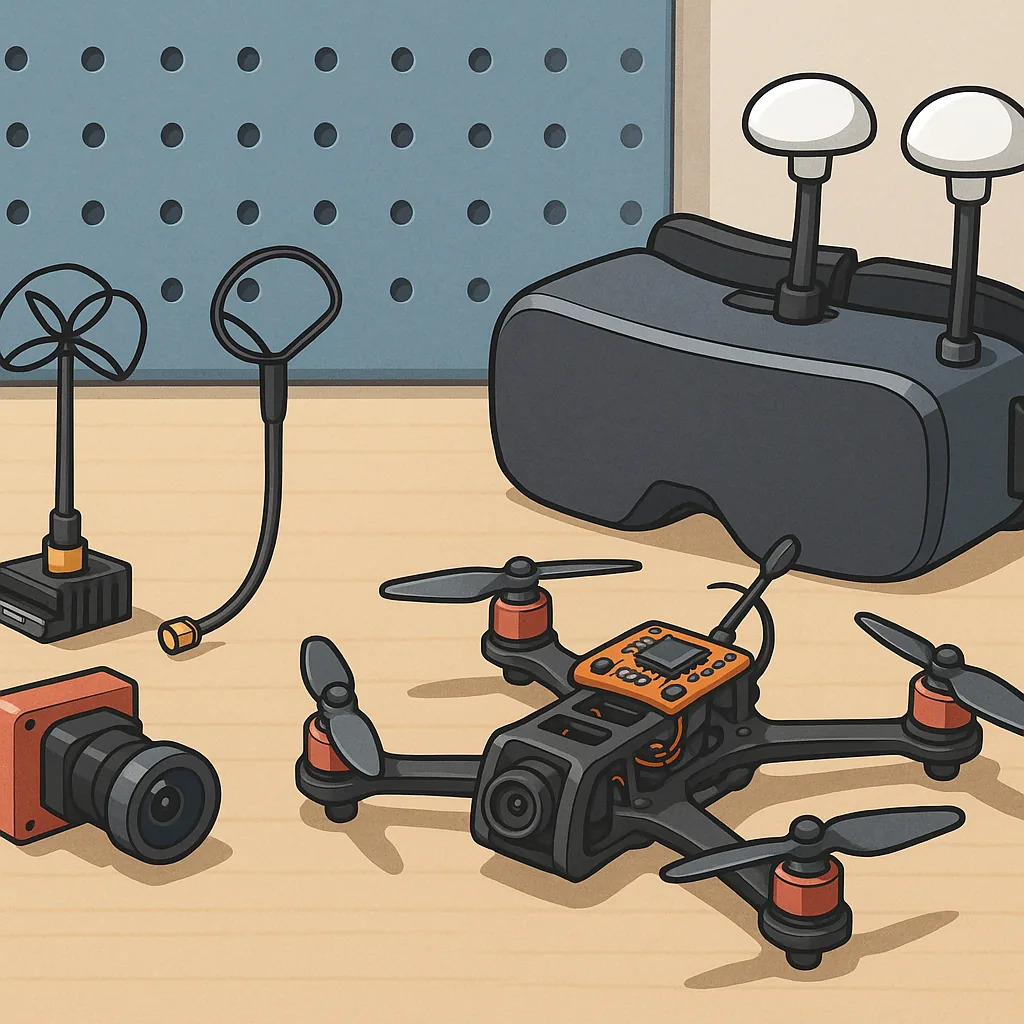
FPV Video Systems Troubleshooting Guide for Hobbyists
Getting a reliable FPV video feed is one of the most important parts of flying and also one of the most frustrating when things go wrong, so this guide focuses on practical fixes you can try at the bench and on the field. Components to check include the camera, video transmitter (VTX), antennae, receiver or goggles, on‑screen display (OSD) and any intermediate recorders, and understanding the difference between analogue and digital systems is key to sensible troubleshooting.
Analogue versus digital systems demand different approaches to fault finding because the symptoms differ and so do the remedies. Analogue feeds tend to degrade gracefully with snow, static and interference, so a fuzzy picture usually points to poor antenna matching, a weak VTX or co‑channel interference, while digital systems produce pixelation, freeze frames or complete dropouts due to codec or link errors and will often report bitrate or link quality in the goggles. When diagnosing, always swap to a known‑good camera, VTX or goggles in turn so you can isolate which component is causing the issue.
VTX power settings and supply are frequent causes of trouble and should be checked early because heat and incorrect wiring can cause intermittent faults or permanent damage. Verify the VTX is configured to the correct output power for your location, confirm the supply voltage is within the device rating and monitor for thermal shutdown if the unit gets hot during use. If you see sudden loss of range or brownouts, check the battery leads and any BEC regulators, and remember that pit mode can disable transmission and give the appearance of a dead VTX. If you need parts lists and build notes, check my project pages at WatDaFeck for component suggestions and wiring diagrams.
Antennae are more than an accessory and mismatches are a common source of poor performance, so inspect connectors, shaft integrity and the polarisation on both ends of the link. Circular polarised antennae (RHCP or LHCP) must be matched between transmitter and receiver to optimise range, while linear and circular mixes will noticeably reduce signal strength. Look for cracked radials, loose SMA or MMCX connectors and poor solder joints at the VTX pad, and if you see strange nulls in one orientation try swapping to a different antenna and test at short range before escalating to more complex diagnostics.
Latency matters differently depending on what you fly and how you fly, and it is often misunderstood when diagnosing video problems. Analogue systems generally offer the lowest latency so if you experience significant input lag on a digital link check whether the goggles are buffering, whether the recorder is adding processing time and whether the system has been set to a high compression rate that increases delay. For racing you will want minimal processing and low bitrate settings, while for cinematic work a higher latency may be an acceptable trade‑off for cleaner HD images, and measuring latency with a simple stopwatch test or a timing LED can help you decide what to change.
OSD problems are usually wiring or configuration errors rather than a hardware failure, and common fixes include checking telemetry connections, ensuring the flight controller is actually sending data and confirming the OSD is enabled in the software, such as Betaflight or INAV. If the OSD flickers or displays incorrect values check the voltage reference, ensure the ground paths are solid and confirm the protocol and UART settings match the VTX or smart audio wiring, and remember to recompile or reset resource maps in CLI if overlays have disappeared after a firmware update.
Follow me on: Facebook: https://www.facebook.com/watdafeck3d · Instagram: https://www.instagram.com/watdafeck3d/.
Comments
Post a Comment