Node-RED Automation for Hobbyists: A Beginner's Guide
Node-RED is a visual programming tool that makes home automation and hobby projects accessible without a heavy coding background, and it is especially popular with makers who work on IoT, robotics and model control projects as it simplifies the flow between devices and services.
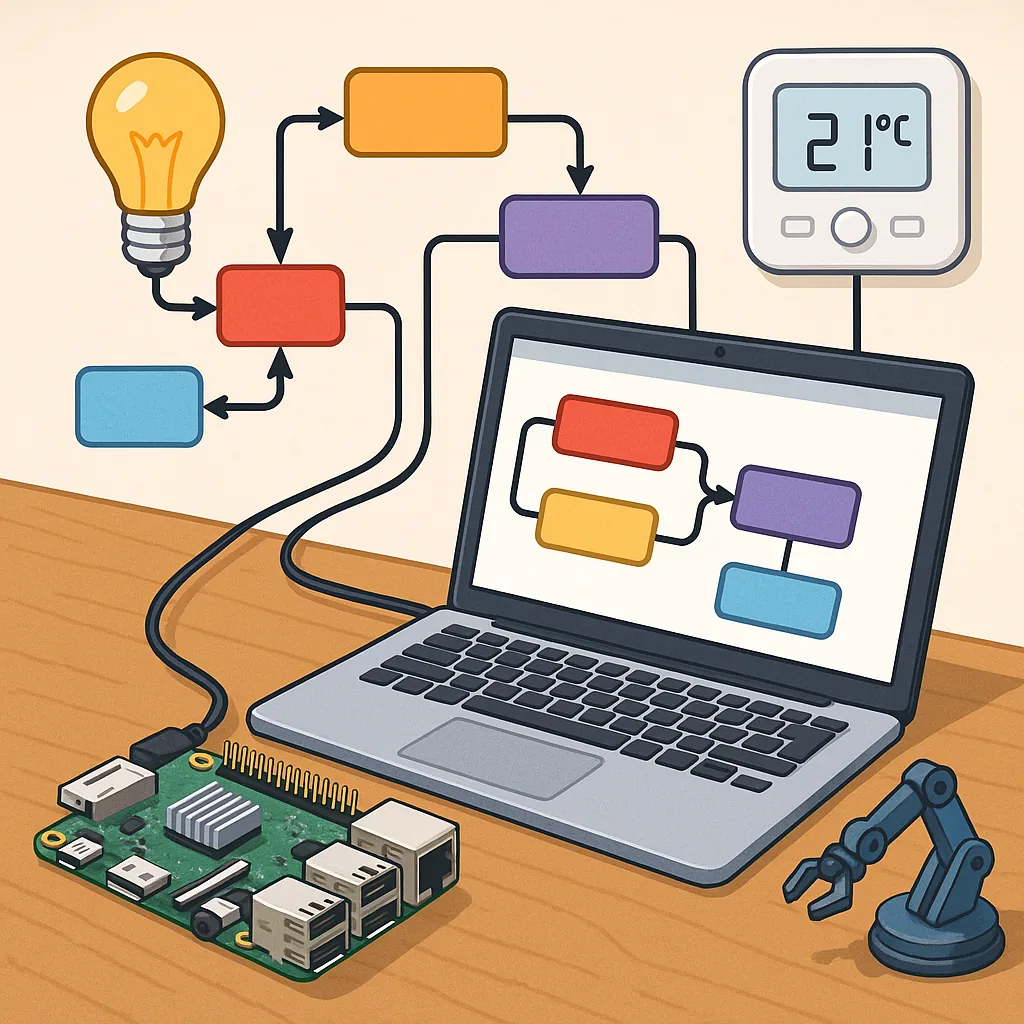
Getting started is straightforward and can be done on a Raspberry Pi, a small server or even a laptop, and the core idea is that you wire together nodes on a canvas to pass messages and trigger actions rather than writing long programs.
MQTT is a lightweight messaging protocol that pairs perfectly with Node-RED for sensor telemetry and remote control, and setting up a broker such as Mosquitto on the same machine or on a local network lets devices publish and subscribe to topics to share state and commands reliably.
Flows are the main organisational unit in Node-RED and each flow is a sequence of nodes that handle input, processing and output, and you can create reusable flows for reading sensors, filtering data, performing logic and sending commands to actuators in a way that is easy to visualise and debug.
Dashboards provide an immediate way to interact with your projects and the node-red-dashboard palette supplies gauges, charts, switches and text inputs that render as a web UI, and creating a dashboard allows you to monitor temperature, control relays, display telemetry graphs and build control panels that work on phones and tablets without a separate app.
Image processing and scripting expand Node-RED beyond simple sensor wiring, and adding nodes such as node-red-contrib-image-tools or using OpenCV via exec or custom nodes lets you do motion detection, licence-plate reading or object classification in maker projects that use cameras, and the Function node is a small JavaScript runtime where you can write lightweight scripts to transform messages, perform calculations and glue services together in ways that nodes alone cannot achieve.
As you progress, best practice is to keep flows modular, use MQTT topics with clear hierarchies for devices, enable authentication on your broker and dashboard, and make use of the community for prebuilt nodes and help; for practical examples and a few ready-to-import flows check my maker blog at WatDaFeck where I show how to combine MQTT, dashboards, image processing and scripting in small projects.
Follow me on: Facebook: https://www.facebook.com/watdafeck3d · Instagram: https://www.instagram.com/watdafeck3d/.
Comments
Post a Comment