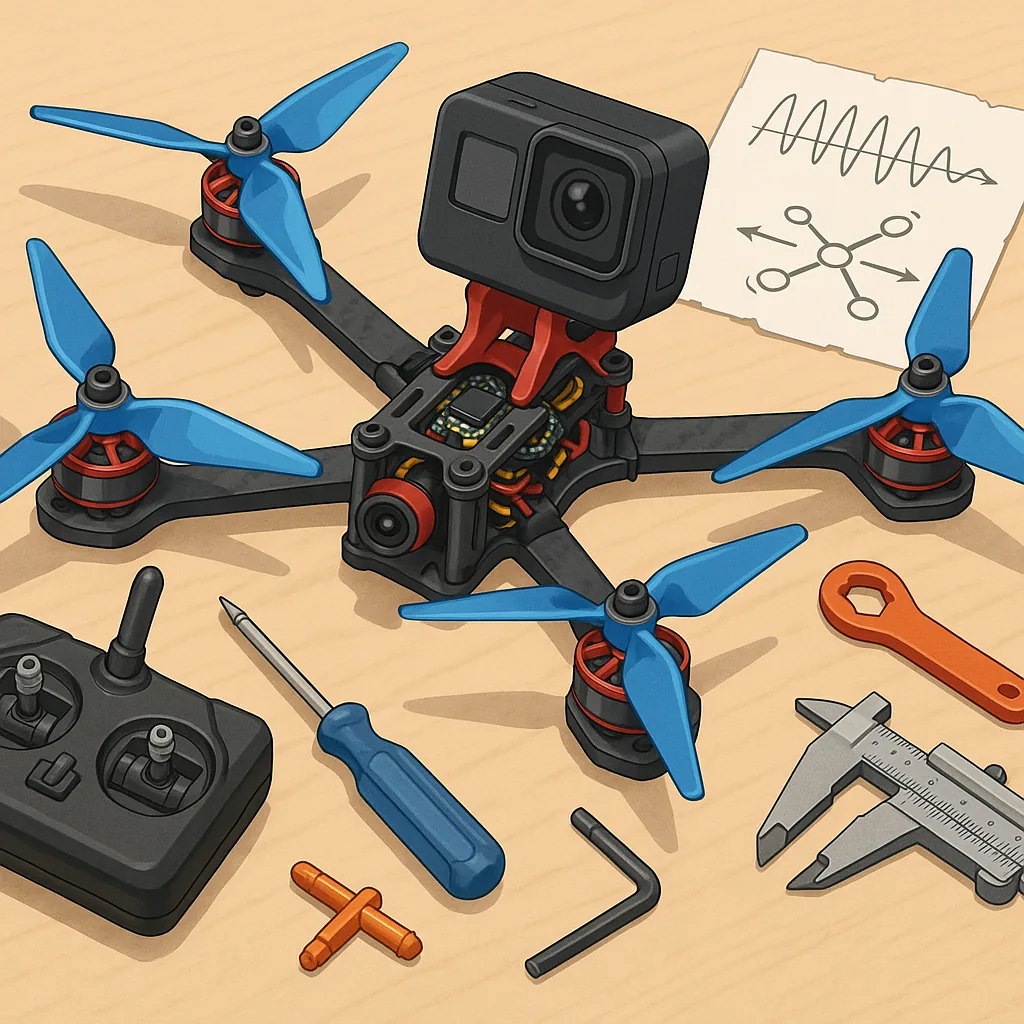
Troubleshooting Freestyle Drones: Rates, Propwash, Frame Stiffness and GoPro Mounting.
Freestyle flying is rewarding but also the area where small setup issues become glaring problems in the air, and this troubleshooting guide focuses on the four most common pain points: rates tuning, propwash control, frame stiffness and GoPro mounting. If you are getting unpredictable flips, mid‑throttle wobble or a shaky recorded perspective then working through these areas methodically will usually reveal the cause and a practical fix. This article assumes you can flash firmware and read basic blackbox logs, and it is aimed at hobbyists who want clear, actionable steps.
Rates tuning is the first place to look when your quad does not feel intuitive or you experience oscillations when you try aggressive inputs, because rates directly shape how the controller translates stick commands into motor response. Start by separating RC rate, super rate and expo and make one change at a time, testing with simple flips and rolls and by checking the stick‑to‑angle response; increase super rate if you find you cannot get the rotation speed you want at the end of the stick and reduce rates if the craft hunts for stable attitude after a rapid stick return. Remember that higher rates amplify errors and often require more feed‑forward or D‑term authority to stay clean, so if you raise rates and see mid‑stick oscillation use a blackbox log to confirm whether it is P oscillation, D under‑damping or mechanical resonance before changing more settings.
Propwash control is a frequent source of low‑frequency wobble that appears during throttle modulation and on transitions, and the first step is to learn to recognise it in both flight and logs. True propwash often looks like a rhythmic, lower‑frequency wobble when the throttle is reduced and can be exacerbated by soft filtering or insufficient D gain, while high‑frequency jitter is usually vibration related. Try increasing D‑term slightly and tightening the D filters rather than turning P up, and enable or tune a dynamic notch and feed‑forward if your flight controller supports them, because those features address motor/prop resonances without masking instability. Also experiment with propeller size and pitch, since a change of props can move the motor load out of a resonance band, and always retest one change at a time so you know which tweak fixed the issue.
Frame stiffness matters more than many pilots expect, because flex in arms, the centre plate or motor mounts converts control inputs into delayed or damped motion and feeds back as propwash or oscillation. Diagnose flex by static tests such as squeezing arms and pushing on the top plate, and by watching blackbox accelerometer signatures under aggressive inputs to see if the frame is ringing at a particular frequency. Tighten loose bolts, replace stripped motor screws and use thread‑locking where appropriate, and consider simple carbon braces or thicker standoffs if the frame is marginal; keep in mind that increasing stiffness will improve crispness and reduce propwash susceptibility but may transmit more vibration to the camera, so balance rigidity with your desired video stability.
GoPro mounting often breaks the illusion of a perfect tune because soft mounts and camera resonance interact with frame behaviour and filtering, and you should treat camera isolation as part of the flight control system rather than a separate comfort item. Hard mounts send more vibration into the lens but preserve frame stiffness and predictable control feel, while soft mounts absorb some vibration at the cost of changing the effective resonance and possibly producing a pendulum effect that shows up as jello in the footage, so test different thicknesses and materials. I publish GoPro mount STL files and build notes on my site, see WatDaFeck, and my practical advice is to mount the camera as close to the centre of gravity as possible and use a slightly firmer TPU mount if you fly aggressive rates, then tune filters so the flight controller handles the remaining high‑frequency noise without over‑damping the D‑term.
- Check hardware first: tighten screws, inspect arms and motor mounts and balance props before changing firmware settings.
- Log with blackbox: compare accelerometer and gyro traces before and after rate or filter changes to identify true causes.
- Make incremental changes: alter one rate or filter at a time and perform the same test flight profile for repeatability.
- Test prop variants: try lower pitch or different blade counts if you see consistent resonance bands in logs.
- Adjust GoPro mounting: move the camera towards the CG and try a firmer or softer mount depending on whether the issue is vibration or resonance.
If you follow the checklist and iterate carefully you will solve the common freestyle problems without chasing symptoms, and keep notes of each successful change so you can replicate setups on new builds and recover quickly after crashes.
Follow me on: Facebook: https://www.facebook.com/watdafeck3d · Instagram: https://www.instagram.com/watdafeck3d/.
Comments
Post a Comment