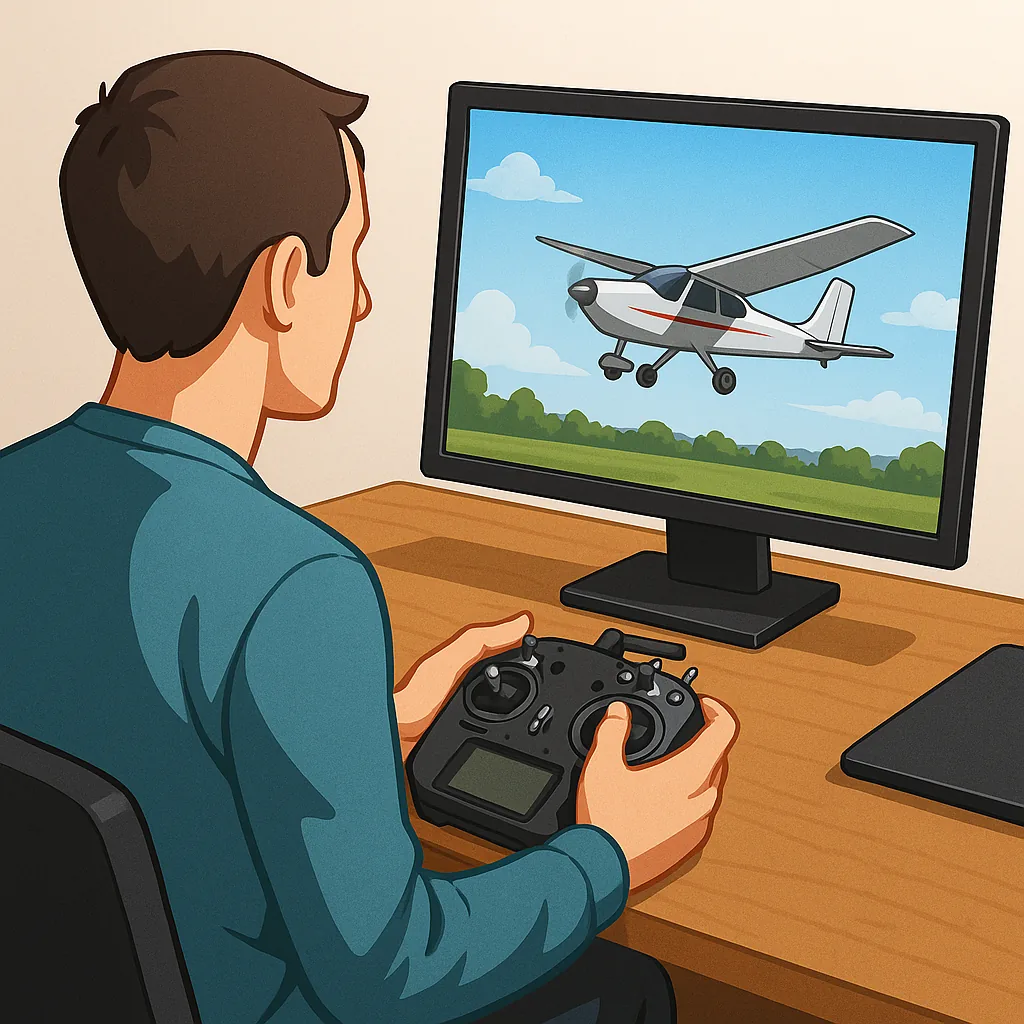
Beginner's Guide to RC Flight Simulators: CRRCSim, Liftoff and Velocidrone
Getting started with RC flight simulators is one of the best ways to learn stick control, experiment with settings and reduce the risk of damaging models when you first start flying in the real world.
CRRCSim is a long-standing, open source simulator that is particularly friendly to fixed-wing pilots and scale modeller hobbyists, because it focuses on aeroplane physics and classic control setups rather than drone racing modes.
Liftoff is aimed primarily at multirotor pilots and FPV enthusiasts and offers polished graphics, a large catalogue of community models and a forgiving physics engine that suits pilots who are learning freestyle techniques and line-of-sight flying.
Velocidrone is the go-to choice for serious FPV racers who want very tight, configurable physics and advanced tracking of gyro and prop wash effects, and it is especially useful when you want to practise race lines and timing on tracks that mimic real events.
- CRRCSim: great for fixed-wing and scale practice with simple, accessible controls.
- Liftoff: accessible multirotor learning, good visuals and a strong community model base.
- Velocidrone: highly configurable physics for race-focused drone practice and professional-level simulation.
Controller configuration is the bridge between simulator and real flying, and the basics are the same for all three sims: connect your radio by USB or trainer lead, calibrate stick centres and ranges in the simulator, map the four primary channels for throttle, aileron, elevator and rudder, and set up an arm switch or throttle cut to keep things safe while you learn.
Start with low expo and gentle rates while you build muscle memory, check end-points and sub-trims on your transmitter, and if your radio supports it use model memory to mirror settings you will use on the actual plane or quadcopter, and for extra resources see WatDaFeck for build guides and practical tips.
Practice progressively by flying basic maneuvers first, record flights to review mistakes, and when you are comfortable with loops, stalls or race lines in the sim you can transfer settings and confidence into real flying while keeping initial flights conservative to reduce crash risk.
Follow me on: Facebook: https://www.facebook.com/watdafeck3d · Instagram: https://www.instagram.com/watdafeck3d/.
Comments
Post a Comment