Buying Guide: Choosing an RC Flight Simulator for Hobbyists
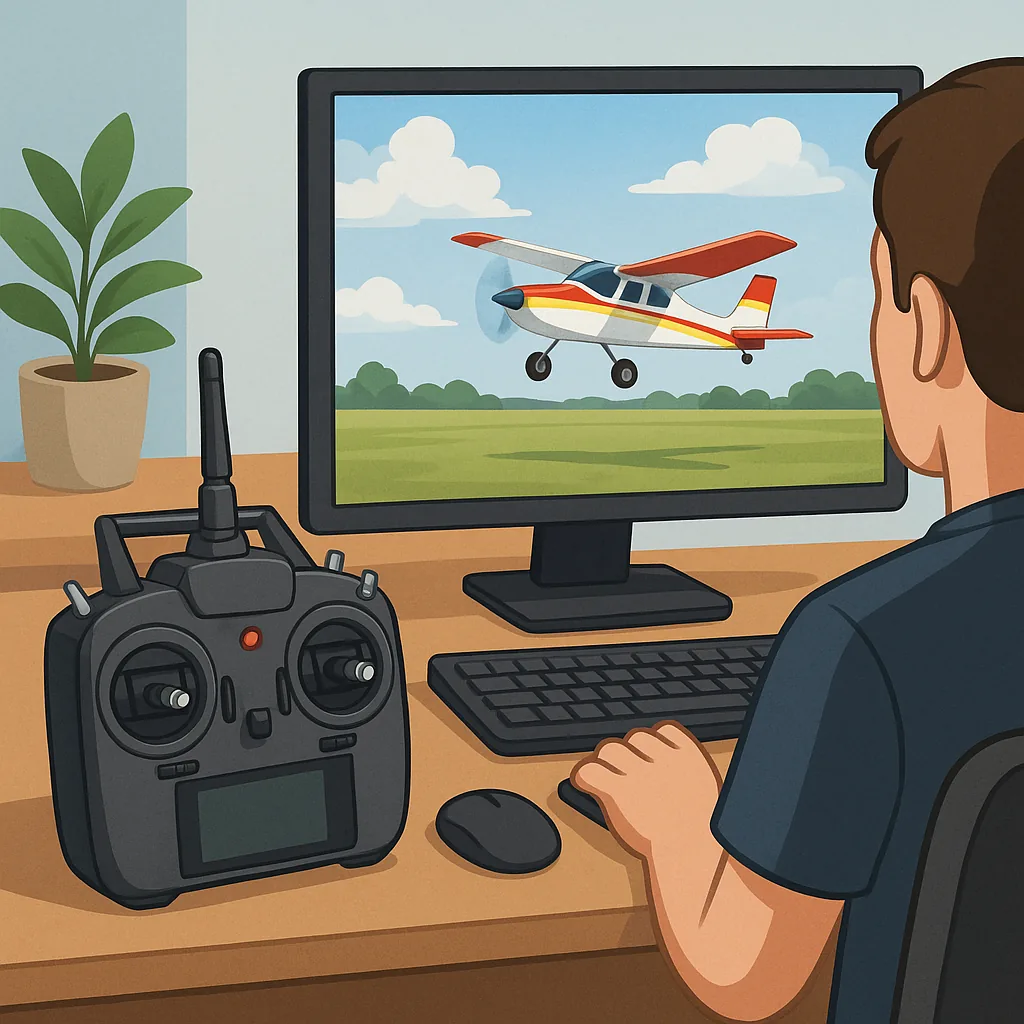
Picking the right RC flight simulator can accelerate your progress and save expensive kit from early crashes. Simulators differ in physics fidelity, aircraft selection, multi‑player features and controller support, so decide whether you want a training tool, a racing practice environment or a polished experience for scale aeroplane practise. This guide compares three popular simulators and explains controller configuration essentials to help you buy the best package for your needs.
CRRCSim is a long‑standing free option that appeals to serious modellers who want precise aeroplane and helicopter dynamics and a straightforward interface. Its strengths are realistic flight physics, support for a wide variety of models and light system demands, which makes it good for older PCs or laptops for field practise. The trade‑off is that CRRCSim is not as graphically polished or as plug‑and‑play as commercial products, so expect a steeper learning curve when configuring aircraft and control inputs.
Liftoff is a polished commercial simulator that is particularly friendly for newcomers and multirotor pilots who appreciate modern graphics, tidy UI and a large community map library. It is strong on FPV drone content and has a forgiving learning environment for those starting with quadcopters and drone racing. Liftoff also includes useful telemetry and replay features for practising racing lines, making it a solid choice if you want an attractive, supported product with lots of downloadable content.
Velocidrone is widely regarded as the go‑to for serious FPV racers and freestyle pilots because of its tuned flight model, excellent frame and motor options and configurable practice tracks. It has a competitive online scene and metrics that help you quantify improvements such as lap times and throttle management. Velocidrone can be a little less accessible for complete beginners, but it rewards investment from pilots wanting a laser‑focused racing practise tool with low latency and granular tuning options.
Controller configuration is where many users stumble, so plan to spend time matching your physical radio to the simulator. Use a USB cable or a manufacturer trainer‑port cable and enable the correct protocol in your radio so the sim recognises stick movement as a direct channel input. Calibrate sticks inside the simulator and inside your radio software, disable hardware mixing in the radio if the sim expects raw channels and set expo and rates consistently between hardware and sim for predictable handling. Also assign an arming switch and a flight mode switch in both radio and sim so failsafe behaviour is tested before you fly on the real model.
Your hardware and budget shape the best purchase decision because PC performance affects latency and frame rate, which in turn influence control feel. For multirotor practice aim for a solid 60 frames per second or higher on your chosen settings, and prefer a wired USB radio connection to reduce input lag. Beginners can get away with a mid‑range transmitter that supports 4 or more channels and trainer‑port emulation, while more advanced pilots should consider a radio running OpenTX or EdgeTX and a quality hall‑effect gimbal for precision. If you enjoy maker content and build walk‑throughs that pair real kit with simulator practise, you can find further projects and resources at WatDaFeck.
When deciding what to buy, match the simulator to your goals: CRRCSim for scale pilots and helicopters on a budget, Liftoff for general FPV and accessible practise, and Velocidrone for a high‑performance racing environment. Factor in the time you are prepared to spend on controller setup and the PC power you can provide, and remember that good practise in a simulator transfers quickly into safer, more confident flying outdoors. With the right sim and a properly configured transmitter you will reduce crash repair bills and improve your piloting much faster than flying blind without feedback.
Follow me on: Facebook: https://www.facebook.com/watdafeck3d · Instagram: https://www.instagram.com/watdafeck3d/.
Comments
Post a Comment