Flight controller setups for hobbyists: a beginner's guide to ArduPilot, iNav, PID tuning and GPS rescue
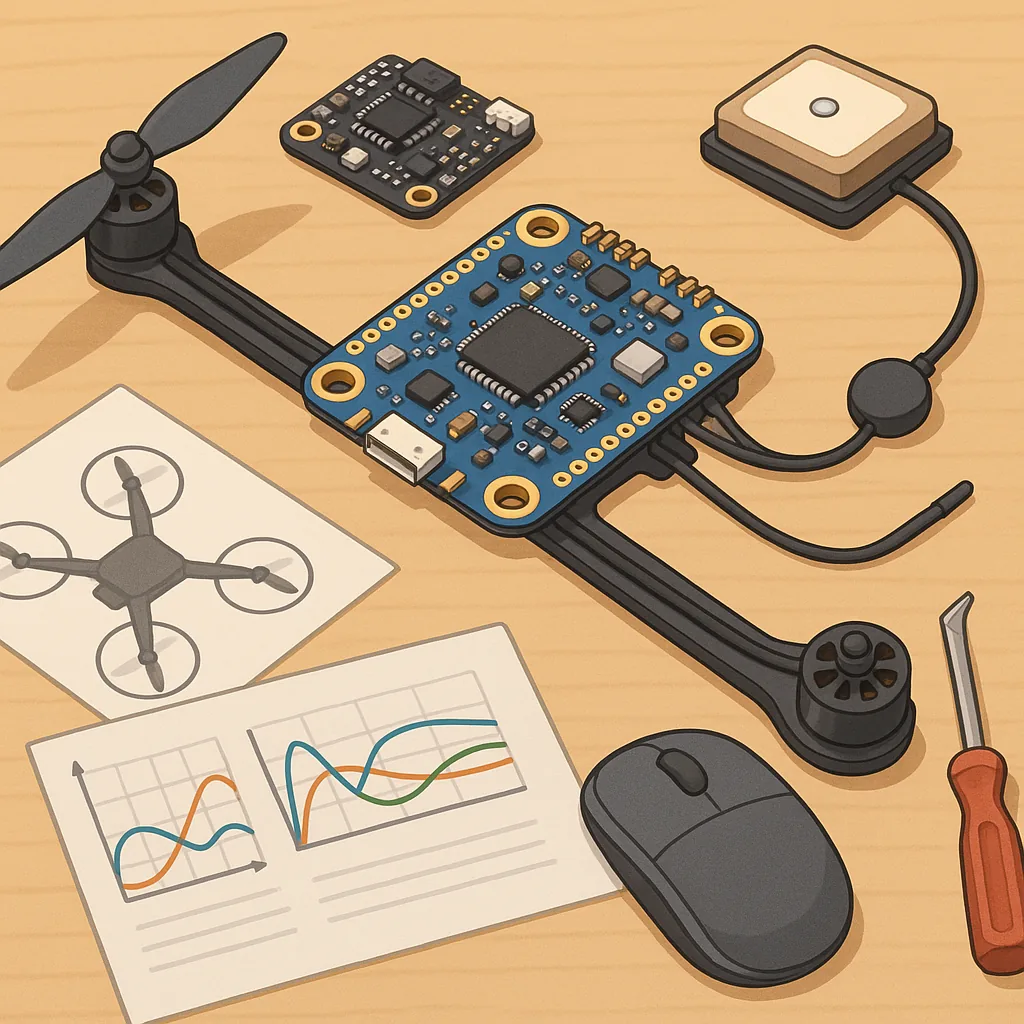
Flight controller setups for hobbyists: a beginner's guide to ArduPilot, iNav, PID tuning and GPS rescue
Choosing and configuring a flight controller can feel daunting for a beginner, but understanding the main components and workflows makes the process much smoother. A flight controller is the brain of your multirotor or fixed-wing model, taking input from sensors and pilot commands to keep the aircraft stable and controllable. This guide focuses on two popular open-source stacks, ArduPilot and iNav, and covers the key topics every hobbyist should know, including sensors, PID tuning and GPS rescue settings.
ArduPilot and iNav both support a wide range of hardware and offer stable flight features, but they target slightly different use cases and user preferences. ArduPilot is feature-rich and well suited to advanced missions, surveying and autonomous behaviours, whereas iNav is often chosen by pilots who want a simpler setup for acro, GPS-assisted navigation and race-style builds. Beginners should pick the stack that matches their goals and stick with it long enough to learn its configuration tools, as both communities provide good documentation and active forums for troubleshooting.
Good sensor setup is the foundation of reliable flight, so you should understand what each sensor does and why it matters. Typical sensors on modern flight controllers include an IMU (accelerometer and gyroscope), a magnetometer (compass), a barometer for altitude, and a GPS module for position and velocity fixes. Vibration and electromagnetic interference are common problems that degrade sensor readings, so careful mounting and cable routing are essential to get accurate data and consistent behaviour.
- IMU: measures angular rates and linear acceleration, essential for attitude control.
- Magnetometer: provides heading information for navigation and stable yaw control.
- Barometer: helps maintain altitude when GPS is unavailable or as an additional sensor for precision.
- GPS: gives position, speed and home location for RTL and rescue modes.
PID tuning is the practical art of making your aircraft respond the way you want by adjusting three parameters: proportional, integral and derivative. The P term reacts to error and sets responsiveness, the I term counters sustained errors such as wind-induced drift, and the D term damps oscillations and smooths movements. Beginners should start with conservative settings, make small changes, and test incrementally in safe, open areas with low throttle so that any instability remains manageable. Both ArduPilot and iNav offer logging tools and autotune options that can accelerate the process, but manual tuning helps you understand how each term affects flight behaviour.
GPS rescue and failsafes are lifesavers for busy beginners, but they must be configured and tested carefully before you trust them. Return-to-Launch (RTL) and GPS rescue modes rely on a valid home position, a healthy GPS lock and accurate compass orientation, so always verify that your home point is set after arming and that your compass has been calibrated in the flight configuration software. Configure sensible altitude limits for RTL to clear obstacles, enable low‑battery failsafes to trigger a safe action, and consider geofencing or a land mode if you need a conservative safety fallback. Regularly checking satellite count and GPS accuracy in pre-flight checks reduces the risk of an unexpected behaviour when a rescue mode engages.
Practical tips to finish: calibrate accelerometers, compass and ESCs before your first flight, keep vibration low with soft mounts, and enable logging so you can analyse flights in detail later. Use the filtering options in your controller software to reduce noise while avoiding excessive lag, and practice small test flights to validate PID changes and failsafe responses. For parts, wiring diagrams and step-by-step build guides visit WatDaFeck where you will find practical resources aimed at beginners and makers. With careful setup, regular calibration and cautious tuning, your flight controller will give you a reliable platform for many enjoyable flights.
Follow me on: Facebook: https://www.facebook.com/watdafeck3d · Instagram: https://www.instagram.com/watdafeck3d/.
Comments
Post a Comment