Node-RED Automation for Hobbyists: A Beginner's Guide
Node-RED is a flow-based development tool that makes automation approachable for hobbyists and makers, and it is especially useful for wiring together devices, APIs and online services without heavy programming overheads.
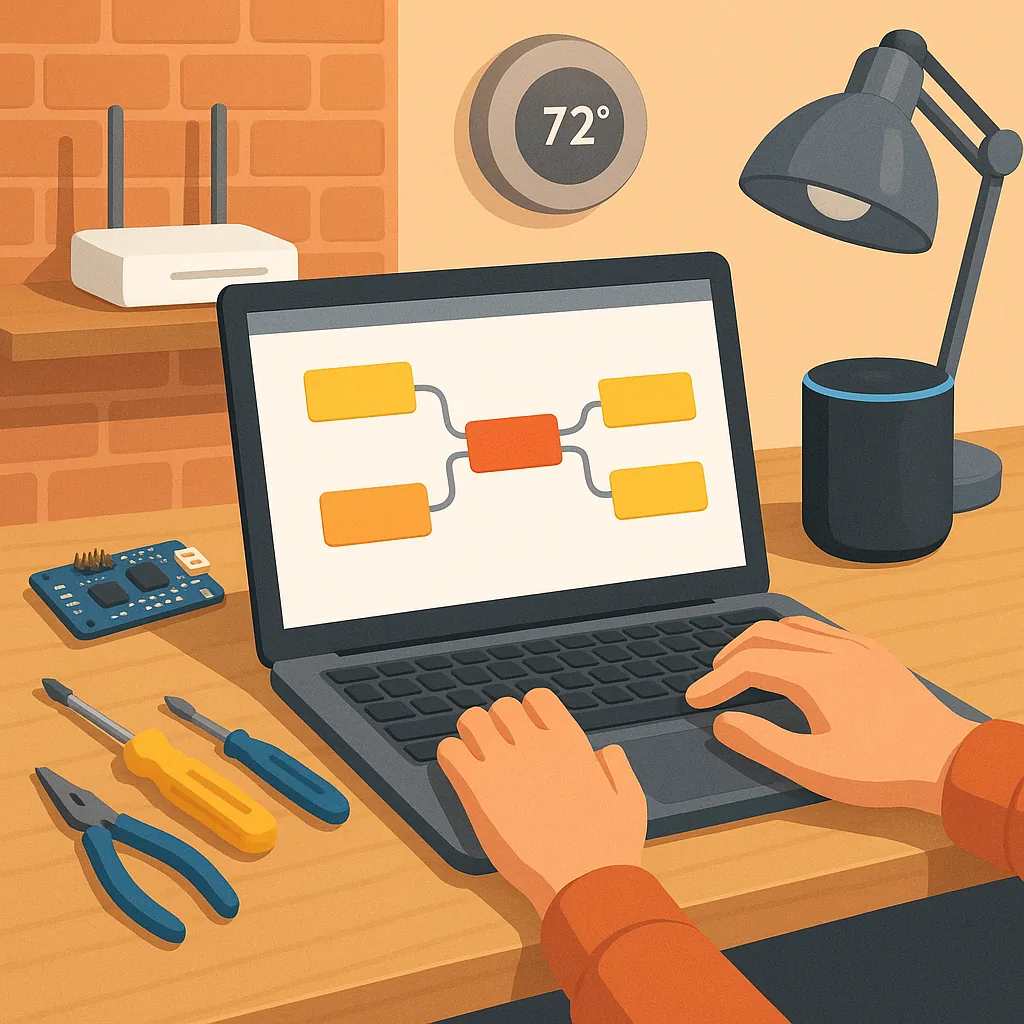
At its core Node-RED uses flows made from nodes that you drag on to a workspace and wire together to describe data paths and actions, and learning the basics such as inject, debug and function nodes will get you a long way in building projects.
MQTT is the lightweight messaging protocol that most hobbyists use with Node-RED to connect sensors, microcontrollers and cloud services, and a local broker such as Mosquitto makes it simple to publish sensor readings to topics and subscribe from multiple clients reliably.
Dashboards in Node-RED are straightforward to create with the node-red-dashboard nodes, and you can quickly add gauges, charts, switches and sliders to control devices or display telemetry on a phone or tablet with little extra code.
Image processing is a growing area in flows where you can connect a camera to Node-RED and run simple analysis such as motion detection, face recognition or OCR by using community nodes that wrap OpenCV or by calling Python scripts for heavier tasks, and this keeps the decision logic local for faster response times.
Scripting remains useful inside flows with the Function node for JavaScript snippets, the Exec node to run shell commands and the ability to bridge to Python via MQTT or child processes, and using subflows, comments and the Projects feature for Git will help you keep your work organised and repeatable, and if you want project ideas and step by step builds, check out WatDaFeck.
Follow me on: Facebook: https://www.facebook.com/watdafeck3d · Instagram: https://www.instagram.com/watdafeck3d/.
Comments
Post a Comment