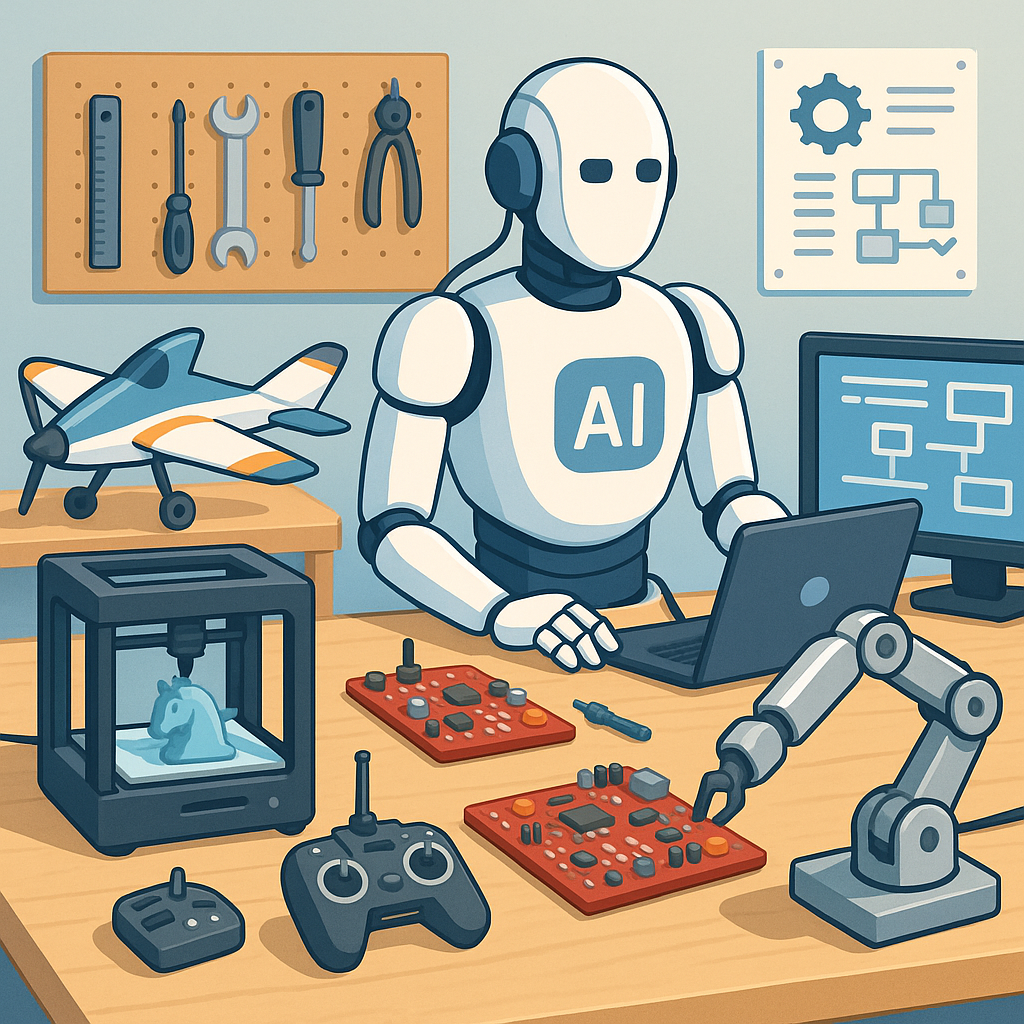
AI and Automation Buying Guide for Hobbyists: Content, Images, Workflows and Safety.
AI and automation are now accessible to hobbyists working on RC models, 3D printing, electronics and maker projects, but the choices can be bewildering for newcomers and seasoned tinkerers alike. This guide walks through the practical buying decisions you will face when adding AI tools to your workshop, with an emphasis on content generation, image creation, workflow automation and essential safety checks. Treat this as a pragmatic companion rather than a technical deep dive, and use it to prioritise purchases that yield the most creative and operational value for your projects.
For content generation, focus on the model capabilities and the business model you prefer rather than brand alone. Cloud services such as OpenAI, Anthropic and Google give polished natural language, easy APIs and continual updates for a subscription fee, while local LLMs like Llama 2 or Mistral can be run privately on a capable PC or small server for lower ongoing costs and greater data control. Key features to look for are API access for integrations, fine-tuning or prompt tuning options, reasonable token limits that match your use patterns and clear pricing. Consider privacy policies and offline options if you will be feeding designs, schematics or sensitive project notes into the model.
Image creation is especially valuable for concept art, PCB mock-ups and parts visualisation, and your buying decision depends on whether you want instant cloud convenience or the control that comes from running models locally. Services like Midjourney and DALL·E are easy to use and produce impressive results quickly, while Stable Diffusion can be self-hosted and customised for specific styles or to run on local GPUs. If you self-host, budget for a decent NVIDIA GPU with at least 8 to 12GB of VRAM for comfortable performance, or use cloud GPU instances for occasional heavy jobs to avoid large up-front hardware costs. Also look for tools that provide transparent asset licensing and optional watermarks when required for safety or attribution.
Workflow automation turns repetitive tasks into reliable, hands-free processes, and good software choices will save you time and reduce human error. For cloud-first automation, Zapier and Make provide a wide catalogue of integrations and a gentle learning curve, while n8n and Node-RED give more control and are great for makers who prefer to run their automation on a Raspberry Pi or in a local Docker container. When selecting hardware for local automation, aim for a Raspberry Pi 4 or 5 with a reliable SSD, a case with a fan and a good power supply, as well as a small UPS if you need clean shutdowns after power loss. Prioritise tools that offer webhooks, a clear API layer and good community examples to shorten the time from idea to working pipeline.
Safety checks are often overlooked but are critical when automating content or deploying image-generation tools that may reuse or synthesise copyrighted material. Always validate generated content before publication by adding a verification step in your workflow that checks facts, sources and licensing claims, and use guardrails such as moderation APIs to filter unsafe outputs. For images, enable metadata tracking and keep originals so you can demonstrate provenance if required, and consider watermarking outputs when sharing publicly. On the technical side, sandbox AI models that interact with hardware to reduce the risk of uncontrolled actions, implement rate limits and logging for all automation steps, and keep backups of configuration files so you can roll back changes if an automation behaves unexpectedly.
To help you choose, here is a short practical checklist to match typical hobbyist budgets and priorities and to direct your first purchases before scaling up. For a minimal setup, choose a cloud text and image service with a modest subscription and a budget Raspberry Pi for automations. For a balanced setup, add a mid-range GPU for local image generation, a Pi with an SSD for local workflows and a paid LLM tier for API access. For a power-user setup, invest in an NVIDIA GPU with 12GB or more, a small NAS for backups, and a local automation server running n8n or Node-RED with secure remote access. For real-world project examples and write-ups that show configurations and costs in practice visit WatDaFeck for straightforward walkthroughs.
Follow me on: Facebook: https://www.facebook.com/watdafeck3d · Instagram: https://www.instagram.com/watdafeck3d/.
Comments
Post a Comment