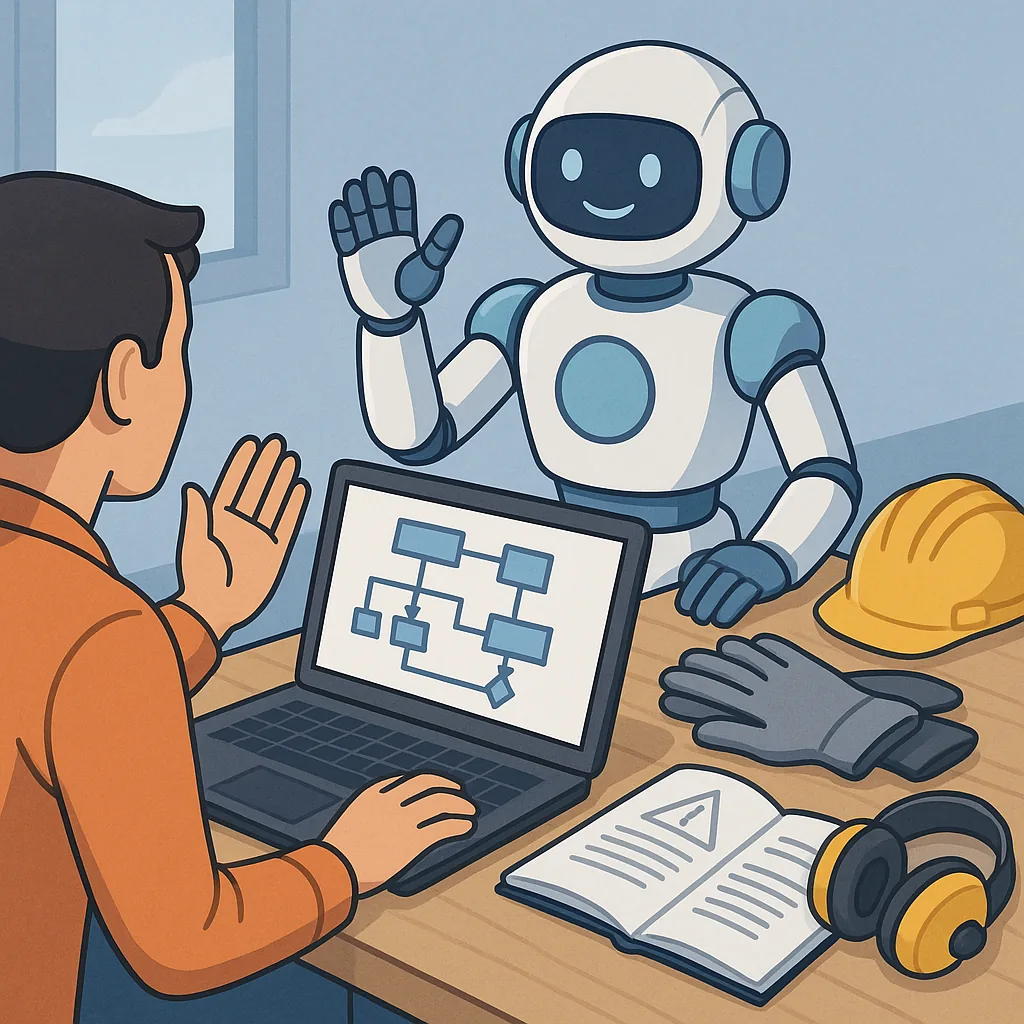
AI and Automation Safety for Hobbyists: a Practical Overview
AI and automation tools are increasingly useful for makers and hobbyists, and with that utility comes a need to think about safety and responsibility, so hobby projects remain fun and low risk for everyone involved.
If you want project notes, example workflows and straightforward safety guidance from a maker perspective, see my site at WatDaFeck for practical write-ups and tutorials that complement this overview.
When using AI for content generation it is important to treat outputs as drafts rather than authoritative facts, because models can hallucinate, invent citations, or reproduce biased or unsafe language, so always verify facts, cite primary sources, and keep a human in the loop for publication decisions.
Image creation tools are excellent for concept art and prototyping, but they can generate realistic likenesses or derivative works that raise copyright and consent issues, so avoid creating images of real people without permission, check model licence terms, and consider visible watermarking for any public display.
Automating workflows that touch hardware, network services or social media requires careful design to avoid accidents and misuse, and you should compartmentalise automation with sandboxed environments, use short-lived credentials, impose rate limits, and include emergency stop mechanisms for any device-controlling scripts.
Build a simple safety checklist and automated checks into your workflow so problems are caught early and recovery is straightforward.
- Validate and sanitize user inputs before passing them to models or to scripts that control hardware.
- Keep provenance and versioning for generated content so you can trace the model, prompt and data used for each output.
- Apply copyright and likeness checks to images, and prefer models with clear training data licences when creating commercial or public work.
- Log automation runs, monitor for abnormal behaviour, and implement alerting for failed or unexpected actions.
- Test workflows in a safe sandbox and create rollback or kill-switch procedures for live operations.
Finally, embed a culture of safety in your maker practice by documenting decisions, training collaborators on the limits of AI, and reviewing your setup regularly to adapt to new model behaviours and changes in law or platform policies so your projects stay creative and responsible.
Follow me on: Facebook: https://www.facebook.com/watdafeck3d · Instagram: https://www.instagram.com/watdafeck3d/.
Comments
Post a Comment