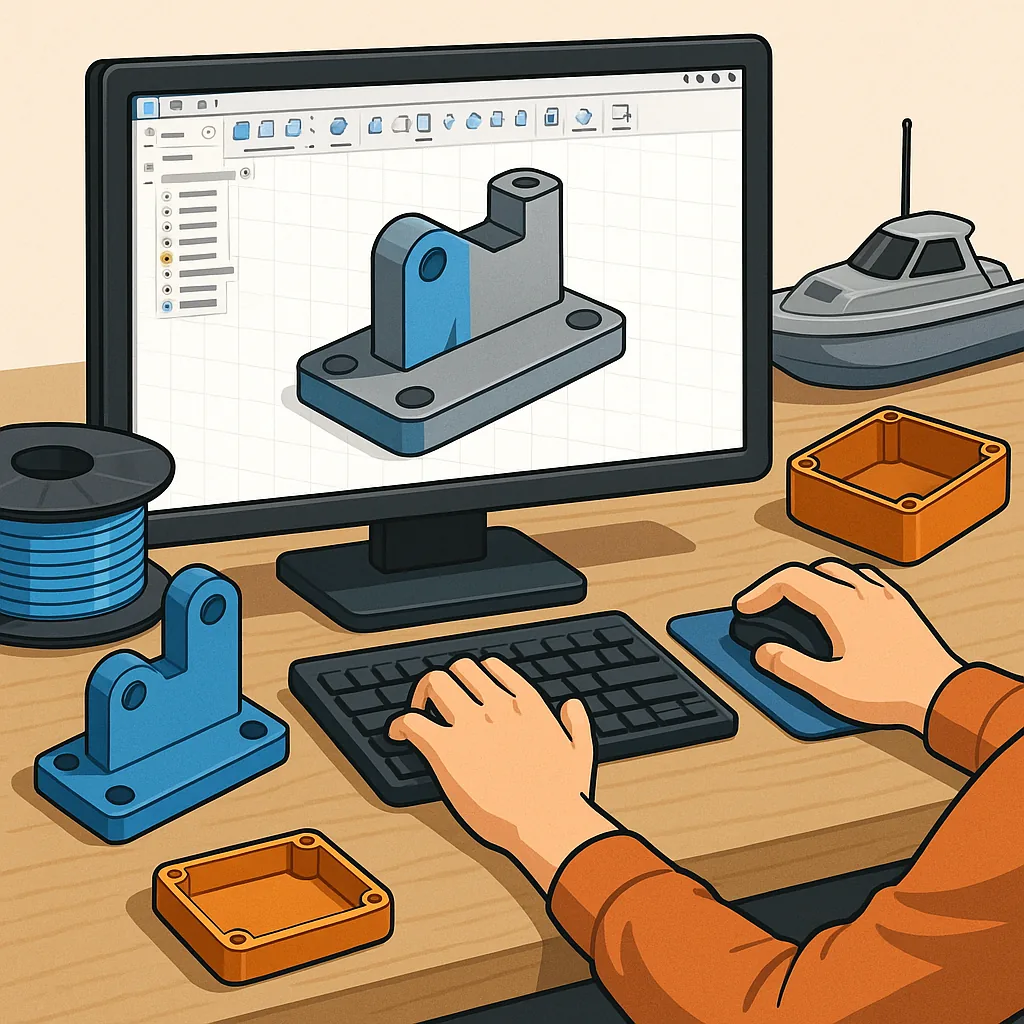
Beginner's Guide to CAD Design for Hobbyists: Fusion 360, Onshape, Tolerances and Printing for Fit.
Computer aided design is an empowering skill for makers that allows you to turn ideas into precise, repeatable parts for RC models, boats, electronics enclosures and 3D prints with confidence.
Fusion 360 is an excellent starting point for hobbyists because it combines parametric modelling, assemblies and CAM in one package and offers a free licence for qualifying hobby use, which makes it a low-cost way to learn professional workflows.
Onshape is the cloud-first alternative that removes the need for a powerful PC and makes collaborative working and version control simple, which is useful when you want to share designs between workshop devices or work with friends on a project.
Tolerances define how parts fit together and are essential when designing for 3D printing, where printer variability, filament and print orientation all change the final dimensions, so plan for clearance or interference rather than assuming perfect accuracy.
Assemblies tie individual parts into functioning mechanisms and it helps to think top-down when possible, creating clear references and using joints or mates in Fusion 360 or Onshape to control motion while keeping components parametrically linked for quick changes.
When printing for fit, adopt a practical workflow of designing small test pieces, measuring actual printed dimensions and iterating your CAD tolerances accordingly, and for hands-on resources and downloadable test gauges visit WatDaFeck for examples and write-ups that walk through common fit problems and fixes.
Follow me on: Facebook: https://www.facebook.com/watdafeck3d · Instagram: https://www.instagram.com/watdafeck3d/.
Comments
Post a Comment