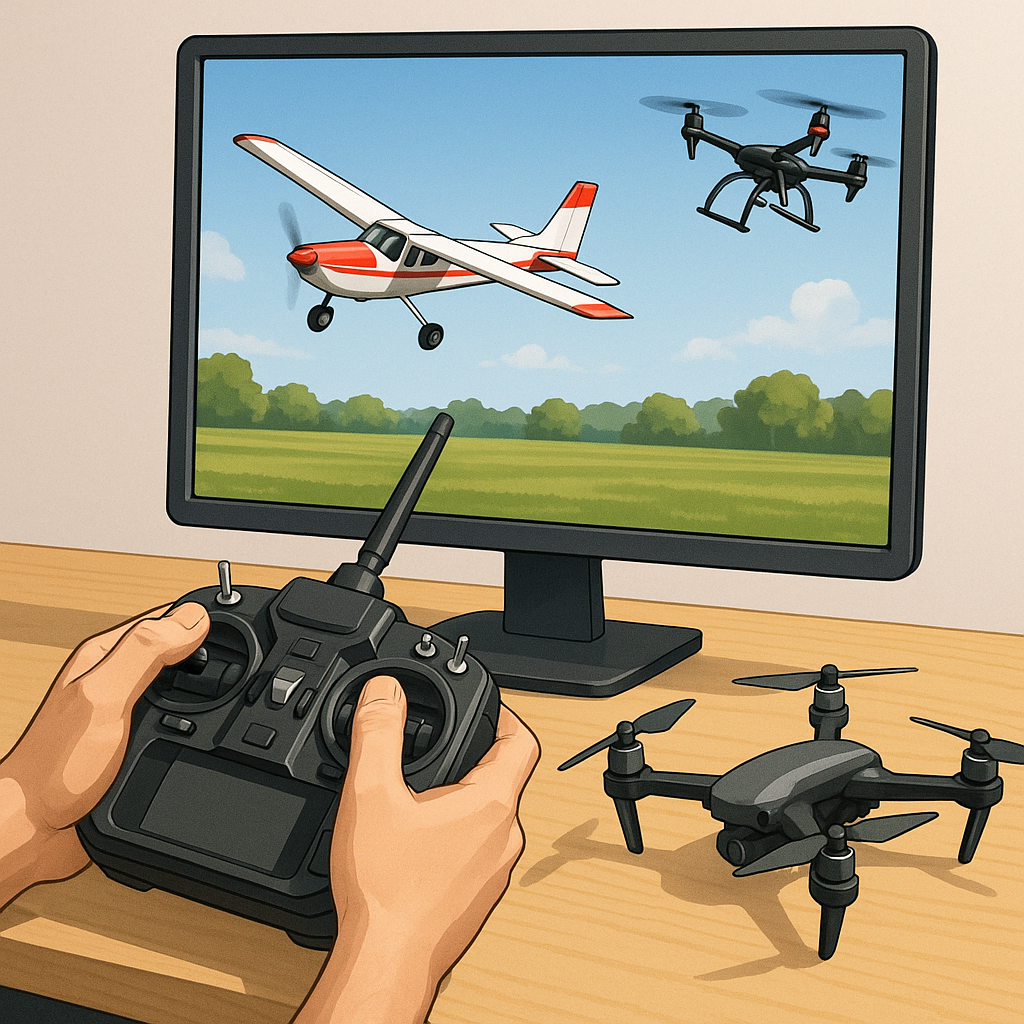
RC Flight Simulators: A Safety Overview for Hobbyists
RC flight simulators are an essential training tool for pilots of fixed-wing models and multirotor craft, and they offer a safe space to learn manoeuvres, practice emergency procedures and experiment with control settings before flying in the real world. This article gives a safety-first perspective on three popular simulators—CRRCSim, Liftoff and Velocidrone—and highlights controller configuration best practice to reduce risks when transitioning from software to hardware.
CRRCSim places emphasis on replicating the behaviour of real radios and receivers, which makes it especially useful for checking channel mapping, failsafe behaviour and end points without a propeller present. When using CRRCSim, confirm that your transmitter and model match in channel order and that trims and sub-trims are centred in both the radio and the simulator. Test your failsafe settings so the simulated model responds as expected to a signal loss, and avoid making large rate or endpoint changes in one session to reduce accidental over-control in a later real-world flight.
Liftoff is widely used by FPV quad pilots for visual orientation, racing lines and battery management practice, and it has useful graphical warnings to reinforce safe habits. Make sure you replicate your radio's arm/disarm sequence in the simulator and practise arming only in the simulated environment until you are comfortable. If you want detailed hardware setup guides and controller mapping walkthroughs, see my blog at https://watdafeck.uk for step-by-step articles and photos.
Velocidrone aims for precise physics and is popular for honing racing skills and tight manoeuvres under pressure, so it rewards accurate controller calibration and incremental training. Calibrate your transmitter in both your operating system and inside the simulator to remove unwanted deadzones or stick drift, and configure smoothing or filtering cautiously because heavy filtering can hide poor stick technique that will transfer badly to a real quad. Use short, focused practice sessions to build muscle memory for throttle management and split-second directional inputs.
Controller configuration matters across all three sims and is a major safety factor when you move to live flying, so adopt a checklist approach before every flight session. Confirm channel order, centre all trims, verify end points and dual rates, set a clear throttle cut or kill switch, and test switch assignments for flight modes and failsafe. If you use a USB adapter or a gamepad interface, check for driver conflicts and ensure the simulator recognises the device as a single input source to avoid mixed control inputs during practice.
Finally, translate simulator training into physical safety habits by following a deliberate progression when returning to the field or flying line of sight craft. Always practise with props removed or using a tether for initial engine runs, keep flights short and low when learning a new model, verify failsafe behaviour with the receiver installed, and work with a buddy or club marshal for your first powered flights. Use checklists, wear eye protection when appropriate and never let simulator confidence replace basic safety checks and situational awareness in the real world.
Follow me on: Facebook: https://www.facebook.com/watdafeck3d · Instagram: https://www.instagram.com/watdafeck3d/.
Comments
Post a Comment