Safety First: Using RC Flight Simulators as a Hobbyist
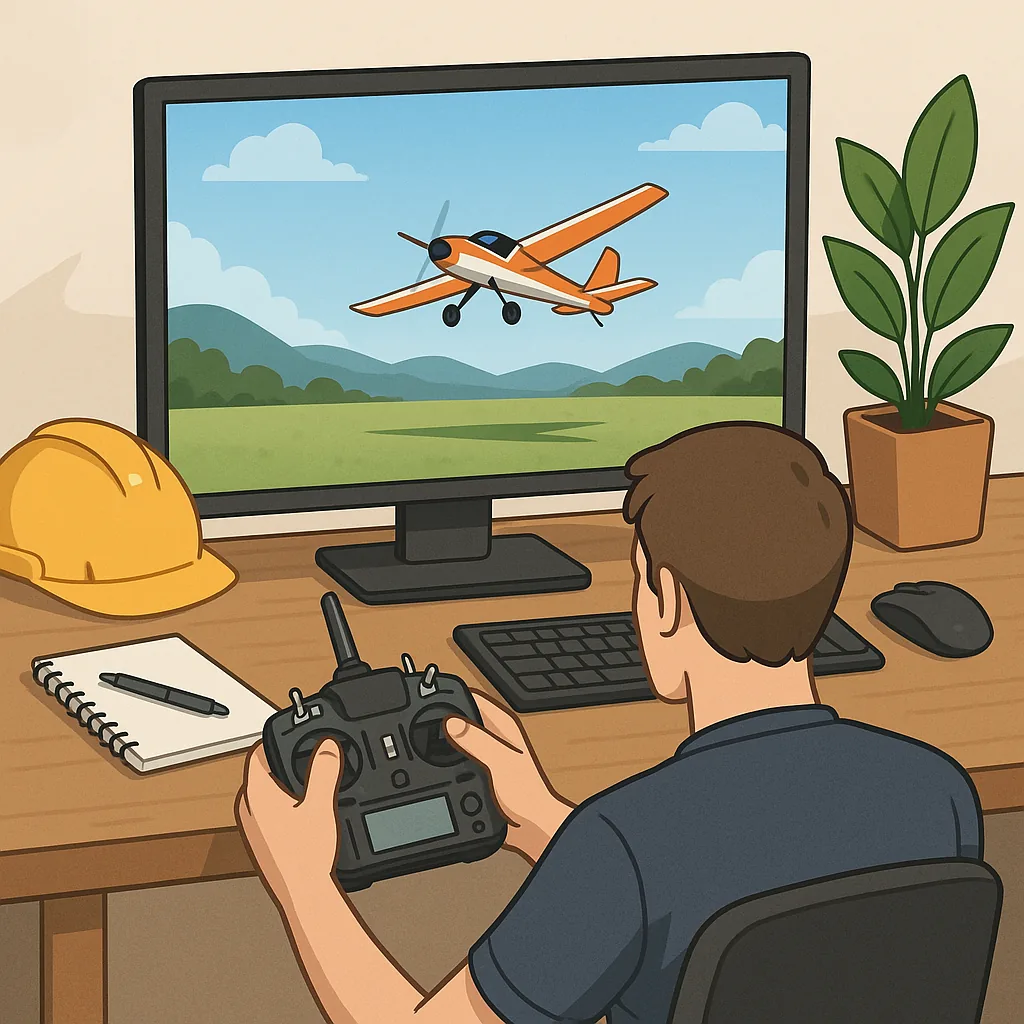
RC flight simulators are an excellent way to learn stick work, test setups and rehearse emergency procedures without risking models or bystanders, and a safety-first mindset will make virtual training genuinely useful in the real world. For hobbyists who want build notes, setup guides and practical examples to accompany simulator practice, see WatDaFeck.
CRRCSim is popular with aeromodellers because it interfaces directly with many transmitters and allows you to fly familiar models using your real radio, but that capability brings safety responsibilities. Always ensure the simulator is bound to a virtual receiver profile and that you do not have a live transmitter link to a physical model while testing, and perform failsafe checks and stick calibrations in a safe area before attempting any flights with the same transmitter on a real aircraft.
Liftoff is widely used by FPV racers and multirotor pilots for its course design and competitive practice, and you should treat sessions like gym training rather than real sorties. Keep props off when you are experimenting with new control mappings or arming procedures, use throttle cut or virtual arming switches where available to prevent accidental motor spin, and mimic your real-world arming and disarming sequence so muscle memory transfers correctly to the field.
Velocidrone aims for high fidelity in drone physics and timing, which is great for practising proximity flight and race lines, but it also rewards strict controller configuration disciplines. Create a dedicated model profile in the sim that matches your actual quad or plane's end-points, subtrim and dual rates, and calibrate stick centres and expo carefully so that what you feel on the transmitter corresponds to the simulated response and reduces surprises when you return to hardware flying.
Controller configuration is the single most important safety step when using any simulator, because incorrect mapping or unreliable trims are common causes of mishaps in the real world. Calibrate each axis through the simulator, assign arming and flight mode switches deliberately and test that each switch returns to a known safe state, set sensible throttle end-points and enable a failsafe or throttle cut, and keep transmitter firmware and simulator connectors up to date to avoid erratic behaviour.
Turn simulator practice into safer real flying by planning structured sessions, recording and reviewing your flights, and progressing gradually from basic hovering and circuits to advanced manoeuvres. Checklists translate equally well from sim to field, so include preflight checks for battery condition, prop security, receiver binding and local airspace rules, and where possible use a spotter for line-of-sight monitoring when you move from virtual to physical flying.
Follow me on: Facebook: https://www.facebook.com/watdafeck3d · Instagram: https://www.instagram.com/watdafeck3d/.
Comments
Post a Comment