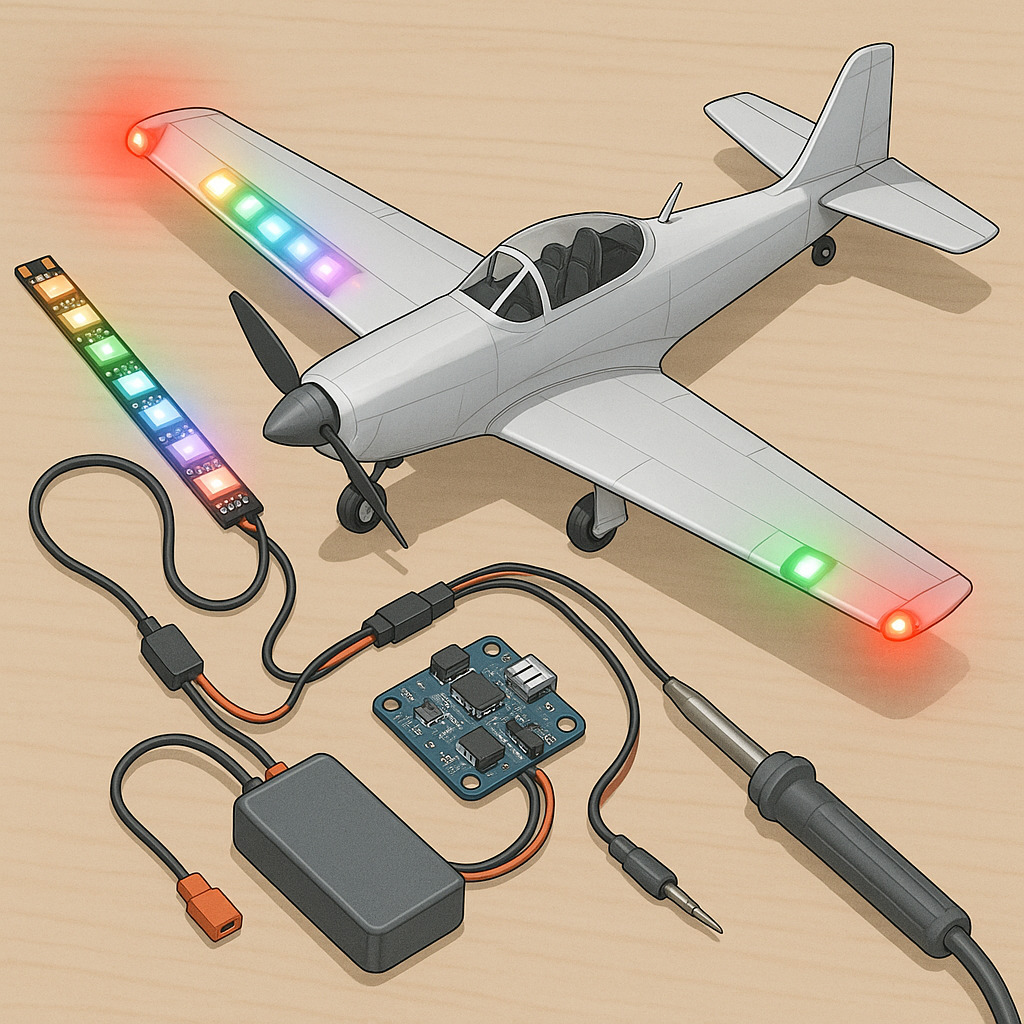
Troubleshooting RC Lighting Systems: nav LEDs, Addressable Strips, Night Flying and Power Budgeting
Good lighting makes the difference between a safe night flight and a lost model, but LED systems can be perplexing when they fail unexpectedly, so this guide walks through practical troubleshooting tips for hobbyists of all levels.
Start with navigation LEDs because they are often the simplest to diagnose and most critical for orientation, and check colour, polarity and mounting first to ensure they are visible and correctly wired for left, right and tail indications.
Addressable strips such as WS2812 and APA102 bring powerful effects but also unique failure modes, and the common problems are poor data timing, insufficient signal voltage and gaps in the ground reference that cause flicker or dead pixels.
Night flying introduces extra constraints around brightness, beam angle and anti‑collision lights, so ensure your LEDs are shielded from pilot glare, do not overwhelm your camera sensors and comply with local flying rules for visibility and identification.
Power budgeting is the step most people skip until something overheats, and you must calculate worst‑case current draw for all LEDs, allow headroom for transient peaks, size wiring and connectors to prevent voltage drop and fit adequate decoupling capacitors or a small auxiliary battery if necessary.
Use a checklist approach when troubleshooting: inspect solder joints and connectors visually, measure supply voltage and ground continuity with a multimeter, test data lines with a scope or logic probe, swap in known good strips or LEDs to isolate faults and verify settings in your controller or flight controller software, and for build guides and parts lists see my notes at watdafeck.uk for examples and photos that may help diagnose tricky issues.
Follow me on: Facebook: https://www.facebook.com/watdafeck3d · Instagram: https://www.instagram.com/watdafeck3d/.
Comments
Post a Comment