AI and Automation for Hobbyists: A Practical Build Log
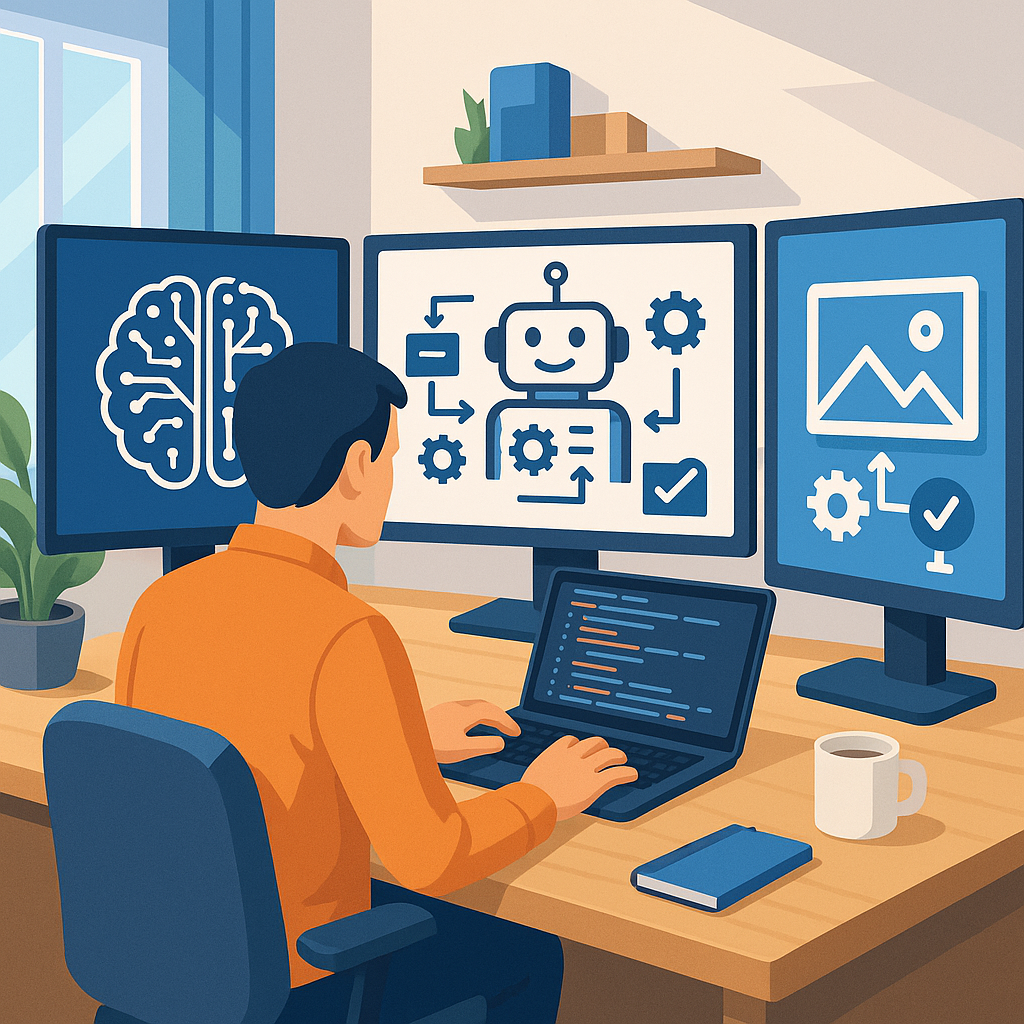
I started this project to explore how AI can speed up content creation and routine tasks for maker projects, with a focus on generating text, producing images, automating the workflow and building safety checks into every step of the process.
The first step was to plan the toolchain and prepare the environment, and I chose a mix of cloud APIs and local tools so I could compare results and keep costs under control. I outlined components for text generation using an LLM API, image creation with a local Stable Diffusion instance, orchestration through n8n and GitHub Actions for scheduled and event-driven runs, and a small PostgreSQL instance to store metadata and logs for reproducibility.
For content generation I built a simple prompt template system that accepts a project title, a tone flag and a keywords list, and then uses few-shot examples to steer the model for consistent outputs. I added a lightweight post-processing script that enforces length limits, strips disallowed words and tags up potentially sensitive topics for human review, and I versioned prompts and templates in Git so I could roll back changes if a new prompt started to drift in behaviour.
Image creation followed a similar, codified process where prompts and seeds are saved alongside generated assets for reproducibility and attribution. I use Stable Diffusion with a default set of negative prompts and an automated upscaler, and I added an image-safety classifier that rejects outputs with obvious copyrighted logos or realistic faces that might pose a privacy risk, so only vetted images reach the draft stage.
The automation layer stitches the pieces together with webhooks and scheduled jobs so that a single trigger can create a draft post with text and images, push that draft to a staging branch and notify me on Slack for a quick review. I log every action and add retry logic for transient API failures, and I document the flow and project files on my site at WatDaFeck so others can follow the same setup and learn from the recorded run histories.
Safety checks are essential and I implemented them on three levels: automated filtering to catch policy or copyright issues, human-in-the-loop approval gates before publishing to the live site, and operational safeguards such as API key vaulting, rate-limiting and watchdog processes that pause automation if error rates exceed a threshold. I also monitor local hardware for temperatures and power draw when running models on a GPU to avoid damaging equipment.
In conclusion this build log shows a pragmatic approach to combining content generation, image creation, workflow automation and safety considerations for a maker-scale operation, and the next steps are to refine prompts, expand the image safety heuristics and invite community feedback to improve the templates and automations for other hobbyists.
Follow me on: Facebook: https://www.facebook.com/watdafeck3d · Instagram: https://www.instagram.com/watdafeck3d/.
Comments
Post a Comment