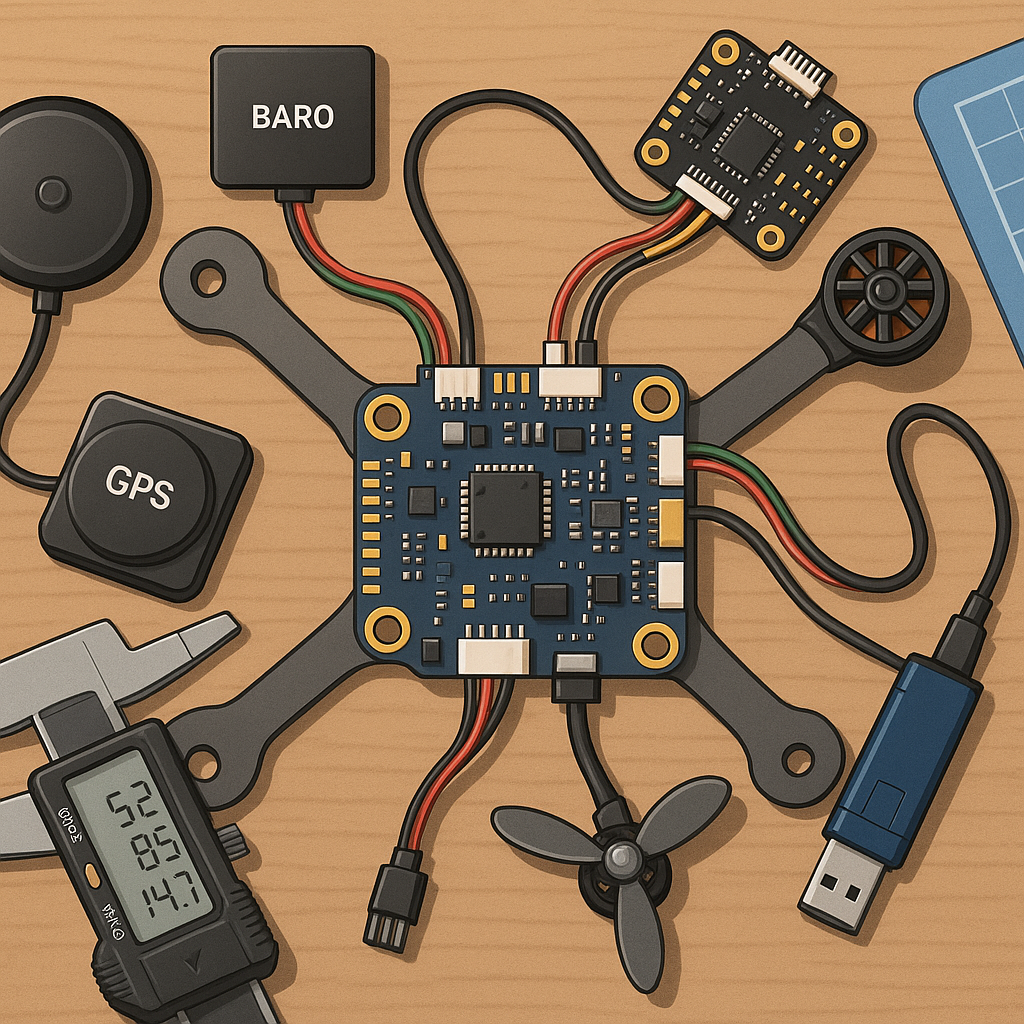
Flight controller troubleshooting for hobbyists: ArduPilot, iNav and sensor problems.
Getting a flight controller to behave reliably is a mix of methodical checks and careful tuning, and failing to do either can turn a promising build into a frustrating crash magnet. This guide focuses on the most common trouble spots for hobbyists running ArduPilot or iNav, with practical steps for PID tuning, GPS rescue setup and sensor diagnostics. The goal is to give you a workflow to identify the root cause of behaviour issues and to restore safe, repeatable flights.
Start with the basics before diving into tuning or firmware quirks by verifying wiring, firmware version and orientation settings on the flight controller. Confirm you have the correct build selected for your frame and that the flight controller is mounted in the declared orientation in the configuration utility. Perform accelerometer and compass calibrations in a non-magnetic environment, and check ESC and motor directions on bench tests without props fitted. If you can, compare parameters to a working example for your frame to spot obvious differences quickly.
Sensors are often the silent culprits, with vibration, magnetic interference and low battery voltage causing misleading readings and instability. Use soft mounting or vibration-damping foam for the FC, and set appropriate gyro and accelerometer filtering in both ArduPilot and iNav to tame high-frequency noise. Magnetometer problems show up as heading jumps; moving the GPS/compass module away from power wires, ESCs and large carbon parts will often improve things, and if magnetic interference persists try an external compass or change the mounting orientation. Protect the barometer from propwash by using a small fairing or internal mounting and verify pressure readings on the ground prior to flight.
PID tuning is both art and science, and modern firmwares give you tools to make it safer and faster. Start with the defaults supplied for your flight controller and airframe and only adjust one axis at a time during hover tests. Increase P in small steps to reduce oscillation, add D cautiously only if you see high-frequency oscillation that P cannot control, and add I slowly to correct long-term drift. Prefer logging to guesswork: use ArduPilot logs or iNav Blackbox to inspect rate and attitude error traces and to ensure your gains are not amplifying vibration. Consider using notch filters for discrete motor frequencies and an appropriately set looptime to avoid injecting noise into D gains.
GPS rescue and failsafe settings will save your model if sensors fail or radio contact drops, but misconfiguration can make a bad situation worse. Check GPS health first by verifying satellite count, HDOP and fix type in your ground station and ensure the GPS baud rate and protocol match the module capabilities. Configure return-to-launch or loiter parameters with sensible altitudes and boundaries, and test the behaviour in a controlled area so you know how the machine will behave if the pilot link is lost. For those keeping notes and logs, I publish build walkthroughs and troubleshooting examples on my blog at WatDaFeck which are helpful for comparing expected GPS and EKF values.
When things go wrong, a structured debugging workflow speeds up recovery and reduces accidental retransmissions of errors. Collect and analyse flight logs first to identify EKF warnings, compass variances and motor output patterns, then replicate issues on the bench where possible with motors disconnected to isolate the sensor stack. Swap suspect parts with known-good components rather than guessing, and rule out power problems by monitoring battery voltage under load. If you must update firmware, backup parameters first and apply changes incrementally with ground tests between each step to prevent cascading faults.
Regular maintenance, conservative tuning and systematic troubleshooting will keep your flights predictable and safe, and learning to read logs is the most valuable skill for any hobbyist pilot. Keep a checklist for pre-flight checks, logging and post-flight analysis so small problems do not become crashes, and always test new settings in a safe, open area before pushing the machine hard.
Follow me on: Facebook: https://www.facebook.com/watdafeck3d · Instagram: https://www.instagram.com/watdafeck3d/.
Comments
Post a Comment