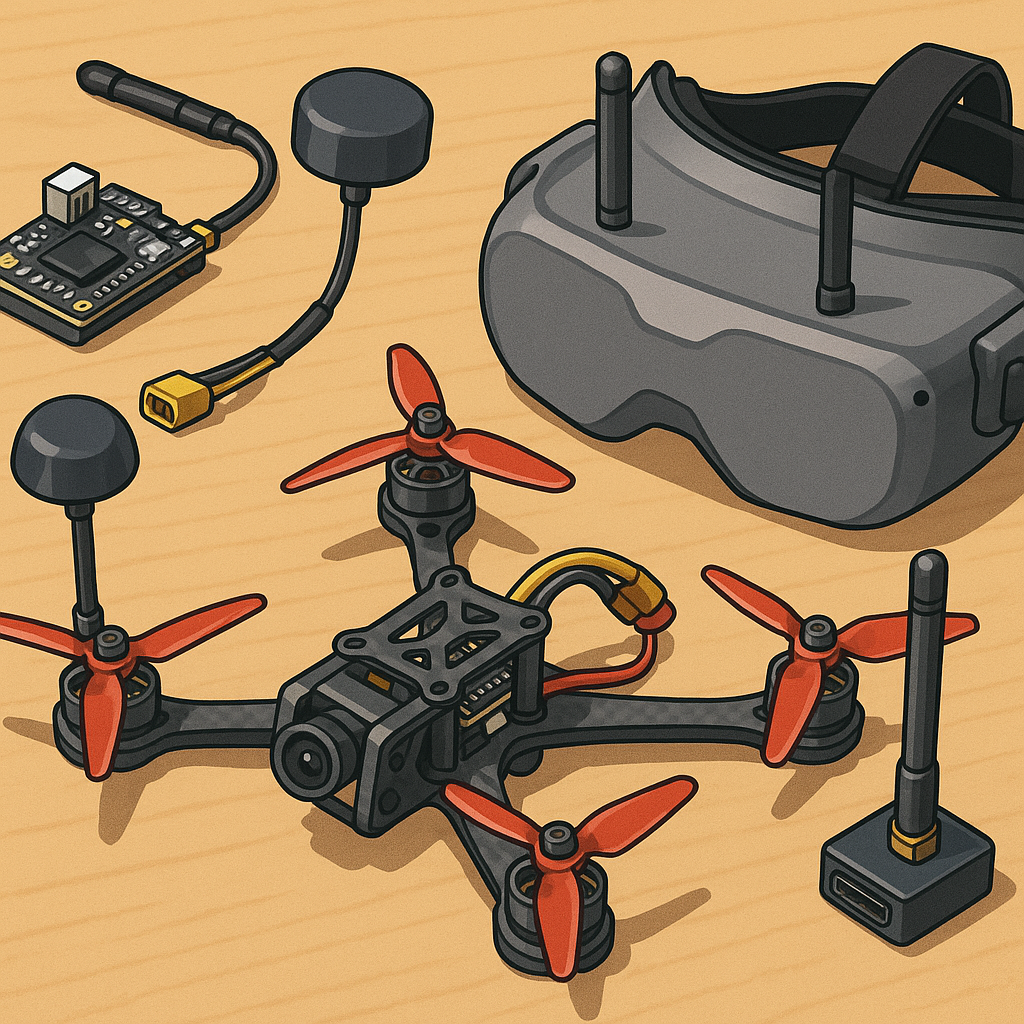
FPV Video Systems for Hobbyists: Practical Tips and Tricks.
Getting a crisp, low-latency video feed is one of the most satisfying parts of building an FPV rig, and small choices in hardware and configuration make a big difference to your flying experience. This guide pulls together practical tips on analogue versus digital systems, VTX power choices, antenna selection, latency reduction and OSD setup so you can make better decisions before soldering on another connector.
Analogue versus digital is the first decision most modellers face, and each has clear strengths and trade-offs. Analogue video remains extremely low latency and is forgiving when signals get noisy, making it ideal for racing and freestyle where responsiveness matters most. Digital systems deliver a much cleaner picture and can be far easier on the eyes at distance or when the UAV is high up, but they historically carried slightly higher latency and cost, though recent products have narrowed that gap considerably. Choose analogue if you want simplicity, cheap spares and the lowest possible delay, and opt for digital if you prioritise image clarity, range and post-flight recording quality.
VTX power is not simply about turning the output up to maximum, and there are practical and legal reasons to be sensible with power selection. Common transmit powers are 25 mW for tight fields, 200–600 mW for club flying, and 1 W or more for long-range use where permitted, and higher power increases heat and battery drain while potentially upsetting other pilots by swamping the band. Always check local regulations before using high-power VTXs and use pit mode for setup so you do not interfere with others during bench testing. If you need range, favour a sensible antenna and better placement over cranking transmitter power to full output.
Antennas are the single biggest performance lever after the VTX itself, and matching antenna type and polarisation to the mission will multiply the effectiveness of any power level. Most hobbyist setups use circularly polarised antennas such as cloverleafs or skew-planars on the drone and matching RHCP or LHCP receivers on the goggles to reduce multipath fuzz from ground reflections. Directional antennas like patches or helicals work well for flying away from you or for first‑person long‑range, but remember to swap back to omnidirectional when you expect to turn and face the craft. Keep connectors tight, use the correct SMA type, and route antenna leads away from motors, ESCs and GPS modules to avoid coupling noise into the feed.
Latency comes from several places: the camera, the VTX encoder, any intermediate DVR or goggles processing and the display itself, and cutting latency means identifying the biggest contributors in your chain. For analogue setups, pick a low-latency camera and minimise added in-line processing or DVRs between the VTX and your goggles. For digital systems check for a low-latency mode and disable post-processing filters in goggles or headset settings if you need the fastest response for acrobatics. Test latency by comparing control input and video response in a simple hover manoeuvre or use a stopwatch app against a reference LED if you want a precise figure, and bear in mind that acceptable latency is subjective so tune your stack to the flying style you favour.
OSD is a small feature that pays big dividends when set up thoughtfully, and a clean, well-calibrated overlay keeps you aware without cluttering the view. Prioritise battery voltage, RSSI, flight time and a visual horizon or artificial horizon only if it does not distract, and place critical data away from the central view to avoid covering up obstacles. Make sure voltage scaling is correct on the flight controller so alarms trigger at the right thresholds, and configure a Pit mode or SmartAudio/Tramp integration to change VTX power without fiddling on the bench. If you want component lists and build notes, see my WatDaFeck hub at WatDaFeck for practical examples and parts recommendations.
Finally, small habits save hours of frustration so adopt them from the outset: use a labelled frequency chart and a VTX control tool to avoid clashes, keep spares of common connectors and antenna types, and log changes so you can reverse settings when a problem appears. By matching video technology to your flying style, respecting VTX power limits, choosing the right antenna and trimming latency and OSD to suit, you will get both better flights and less kit stress.
Follow me on: Facebook: https://www.facebook.com/watdafeck3d · Instagram: https://www.instagram.com/watdafeck3d/.
Comments
Post a Comment