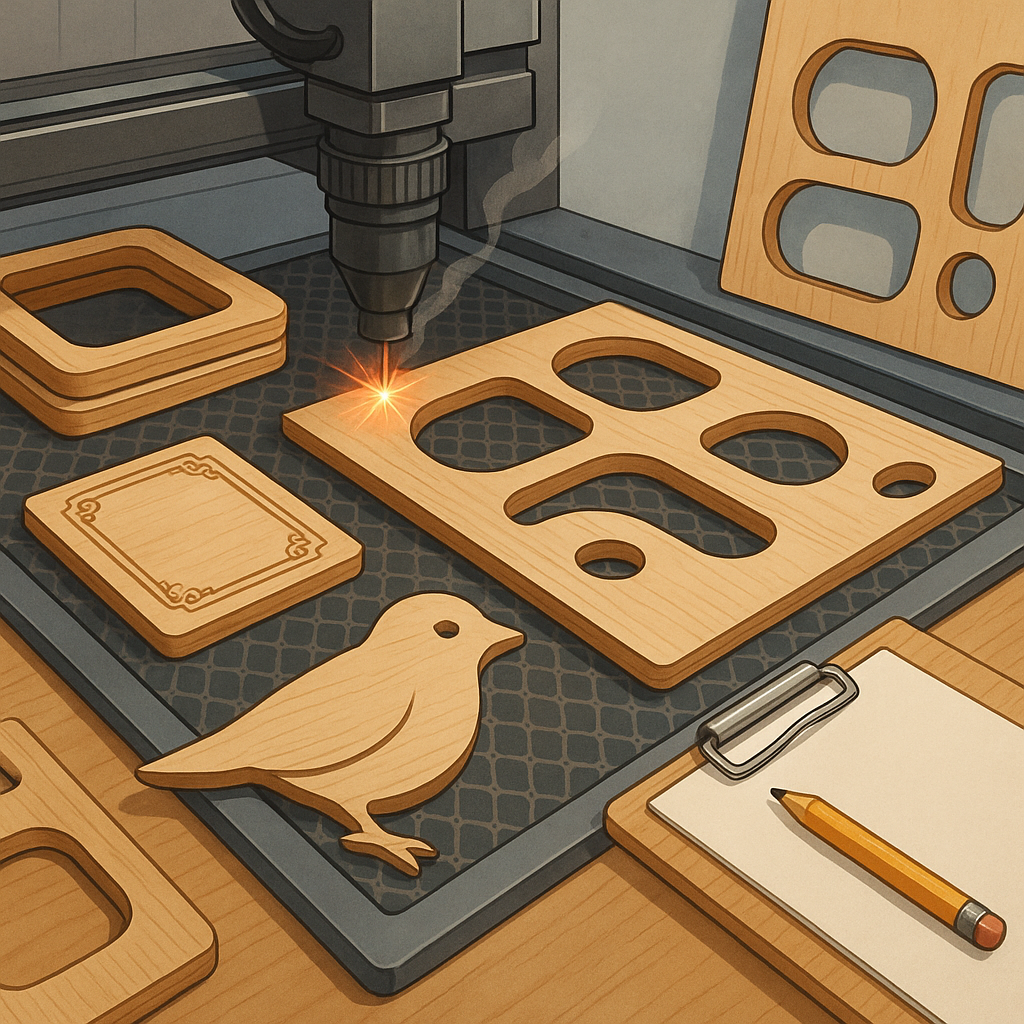
Troubleshooting Laser-Cut Plywood Frames, Formers, Templates and Engraving for Hobbyists.
Laser cutting is a brilliant tool for makers, but even simple projects like plywood frames or templates can go wrong without a systematic approach to troubleshooting, and this guide focuses on the common faults and fixes hobbyists can apply to get reliable results every time.
Plywood frames often show the first signs of trouble because frame strength relies on fit and material quality, so check that the plywood is flat, dry and free of large voids before cutting, and prefer Baltic birch for strength and consistent layers rather than cheap construction ply which can delaminate during cutting.
Fit issues on formers are usually caused by incorrect kerf compensation, out-of-focus beams or file geometry, so measure your machine's kerf with a small test slot and adjust your CAD offsets to match, account for dogbone or fillet relief on internal corners where a round laser will not reach, and clamp sheets to a flat spoil board to prevent warping during cutting.
Templates and registration are all about repeatability, and common fixes include adding alignment holes and datum lines to each template, numbering parts and nesting copies with consistent orientation, using sacrificial tabs where needed to keep small parts in place, and running a single kerf test piece before committing an entire sheet.
Engraving problems range from shallow, uneven fills to excessive charring, and the basic remedies are to reduce speed or increase power for deeper engraving, use masking tape to limit scorch and lift residue, experiment with DPI and dithering for smooth greyscale, and consider multiple light passes rather than one heavy pass to avoid burning the ply surface.
Preventative maintenance and simple checks will save time, so clean lenses and mirrors regularly, ensure the beam is correctly focused at the work plane, keep belts and rails tensioned and free of debris, and log successful settings for specific plywood types and thicknesses so you can reproduce a good cut without repeating tests, and for more project examples and SVGs visit WatDaFeck for reference files and build notes.
Follow me on: Facebook: https://www.facebook.com/watdafeck3d · Instagram: https://www.instagram.com/watdafeck3d/.
Comments
Post a Comment