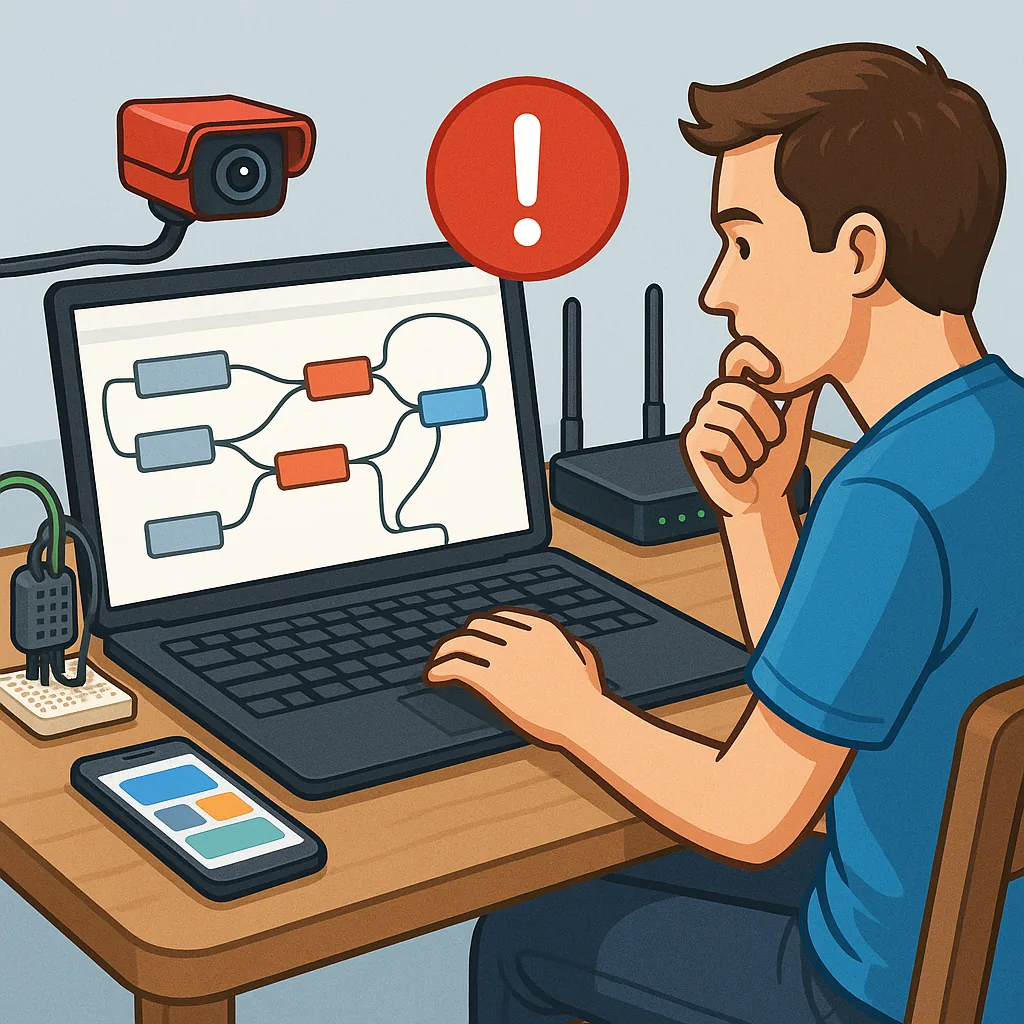
 Node-RED automation troubleshooting guide for hobbyists" />
Node-RED automation troubleshooting guide for hobbyists
Node-RED is an invaluable tool for makers and hobbyists who want to stitch sensors, cameras and services together with minimal fuss, and this guide focuses on practical troubleshooting for MQTT, dashboards, flows, image processing and scripting to keep projects running reliably.
MQTT issues are the most common causes of unreliable automation, and you should check the basics first by verifying that the broker is reachable on the expected port and that client IDs are unique to avoid silent disconnects.
If messages do not appear where you expect, use command line tools such as mosquitto_sub and mosquitto_pub to confirm topic traffic and QoS behaviour, inspect broker logs for authentication failures, and test with a plain TCP connection to the broker address and port to exclude firewall or network problems.
Dashboard problems often arise from WebSocket disconnects, wrong ui paths or browser caching, so check the Node-RED log for websocket errors, ensure the UI root path matches your server configuration, and clear the browser cache if widgets fail to update after a deploy.
When flows misbehave, missing nodes, broken credentials and runtime errors are common causes, so walk through a short checklist to identify the fault:
- Confirm all required contrib nodes are installed and compatible with your Node-RED version.
- Use debug nodes liberally and inspect the full message object for unexpected types or missing properties.
- Export suspect flows and test them in isolation or on a separate instance to rule out environment factors.
- Check system resources and logs for memory pressure or frequent restarts that can corrupt context storage.
Image processing can overwhelm a small SBC, so if camera frames are skipped or processing is slow, verify that dependent libraries are installed and that images are transmitted in an efficient format such as JPEG rather than raw bitmaps, and consider offloading heavy OpenCV or neural network work to a separate host or container for stability and performance, and for detailed build notes see my project pages at watdafeck.uk.
Scripting inside function nodes should be treated with the same discipline as any program; avoid blocking the event loop with synchronous loops, use Promises or async patterns for I/O, handle exceptions with try and catch, persist important state into flow or global context with backing to file if needed, and keep complex scripts under version control to make rollback straightforward.
Comments
Post a Comment